About Lost Sword
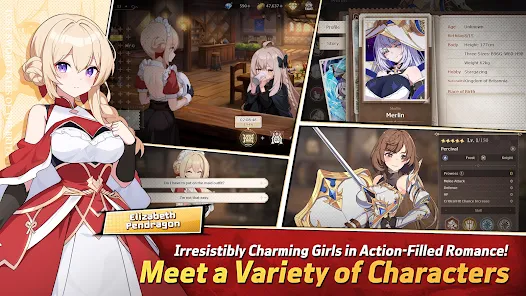
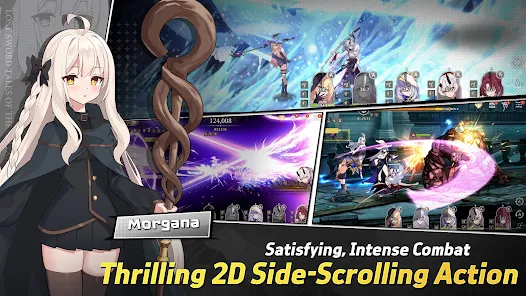
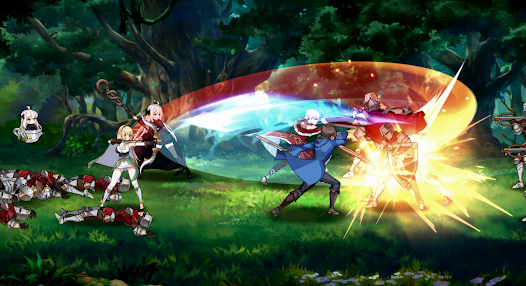
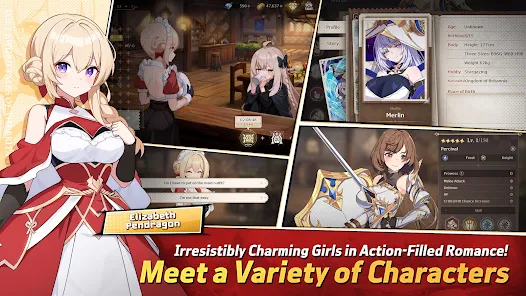
Lost Sword is a 2D side-scrolling AFK action RPG from Wemade Connect, set in the fantasy continent of Britannia and reimagining Arthurian legends through anime-style storytelling. Its niche combines gacha character collection, real-time auto-battles, and “action × flirting” character bonding, targeting players who enjoy idle progression, anime visuals, and team-building depth. The free-to-play structure creates natural friction through gacha randomness, equipment-grind pacing, paywall progression beyond early weeks, and persistent tutorial popups that interrupt session flow.
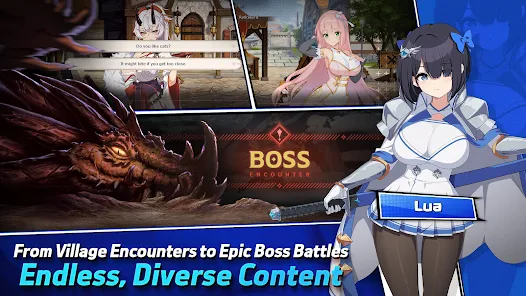
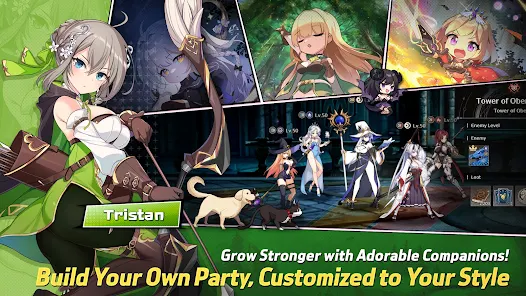
During our technical evaluation, the Front-Mid-Back formation system, Holy Relics, and Chaos Cube upgrades stood out as core progression layers. Additional systems include the Main Story Campaign, Oberon’s Tower, Labyrinth Dungeon, solo and guild Raids, and PvP Arena, each contributing distinct reward tracks. Public sentiment praises the character variety, generous early loot drops, and high-quality skill cutscenes, while pain points include limited active gameplay, dated UI, persistent tutorial prompts, and idle “numbers-go-up” combat that feels passive.
Players often explore the full capability set of Lost Sword to test damage scaling, defensive thresholds, formation efficiency, and Tower or Labyrinth survivability before committing long-term roster investment. This evaluation context matters because AFK RPGs depend heavily on stat efficiency, gear pacing, and elemental matchup planning. We advise using a secondary account for testing purposes and backing up device data before any non-standard installation.
Should You Use Lost Sword?
This App is Ideal For:
- Anime gacha collectors — summoning Britannia heroines, building rosters, and following Ethan’s isekai storyline across 25 chapters
- Formation-focused tacticians — placing characters across front, mid, and back roles while balancing elemental affinities for matchup advantage
- Tower and Labyrinth climbers — testing weekly roguelike runs, scaling floor challenges, and Holy Relics or Chaos Cube upgrade combinations
- Story-driven idle RPG players — progressing through Arthurian-inspired chapters, character bonding, and skill cutscenes between AFK farming sessions
Consider Alternatives If:
- Active-combat purists — AFK auto-battles with optional skill activation may feel passive compared to direct-control action RPGs
- UI-sensitive users — dated interface elements and persistent tutorial popups can interrupt session flow during early progression
- Paywall-cautious players — generous early drops slow significantly after the first few weeks, with progression friction increasing afterward
- Region-locked users — official availability varies by region, often requiring third-party app sources for non-Korean players
Key Features of Lost Sword
Lost Sword offers a focused suite of AFK RPG combat and progression-evaluation tools. Through our evaluation, the following enhanced capabilities stood out:
- Centralized Configuration Panel — Access combat-tuning options directly from a unified in-game menu for streamlined formation, raid, and dungeon testing
- Amplified Damage Output — Increase strike impact across skill cutscenes, raid encounters, and Tower floors while measuring AFK clear-time efficiency
- Reinforced Defensive Resilience — Strengthen party durability against burst-heavy bosses, elemental disadvantages, and late-floor scaling pressure during long runs
- Enhanced Combat Invulnerability — Maintain stable evaluation conditions during Labyrinth, Oberon’s Tower, and Guild Raid sessions without interruption from sudden party wipes
- Formation and Relic Stress Testing — Evaluate front-mid-back placements, Holy Relics setups, and Chaos Cube combinations under safer, repeatable benchmark conditions
Download & Installation Guide
Important Security Protocols:
- Files obtained outside official app stores carry integrity, privacy, and compatibility risks; verify the source before installation
- Use a secondary Google Play account or isolated device profile to protect your primary roster, gacha pulls, and PvP rating
- Back up device data before installation, especially if character progress, equipment, or Guild records are stored locally
Installation Steps:
- Enable “Install from Unknown Sources” in Settings > Security, or Settings > Apps > Special Access on newer Android versions.
- Download the APK file to your local device using a stable connection.
- Locate and execute the file from your Downloads folder.
- Grant Storage and Network permissions when prompted, since Lost Sword uses online sync, AFK reward tracking, and cached cutscene assets.
- Launch the game and complete the opening Story, formation, and summon tutorial before adjusting advanced combat configurations.
Stability & Optimization Tips:
- Initial Launch Protocol: Complete the early Story Mode, formation, and summon tutorial before activating the centralized configuration panel for stability.
- Combat Configuration Timing: Apply damage and defense settings before entering Tower, Labyrinth, or Raid runs, not during active skill cutscenes.
- Formation Calibration: Test front, mid, and back placements separately so character roles, elemental affinities, and ultimate timing remain readable.
- Resilience Setting Discipline: Configure invulnerability options before encountering boss burst phases to keep AFK reward tracking and clear-time data consistent.
- Performance Management: Close background apps before long sessions, as skill cutscenes, AFK calculations, and online sync may strain lower-tier devices.