Tap Titans 2: Clicker Idle RPG 7.19.1 MOD Menu APK | Coins Never Decrease, Mana Never Decrease, VIP Features Enabled, Fairy Video Skip
- Updated
- Version 7.19.1
- Size 236.53 MB
- Requirements Android 7.0
- Developer Game Hive Corporation
- Genre Role Playing
- Google Play



About Tap Titans 2
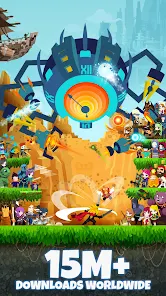
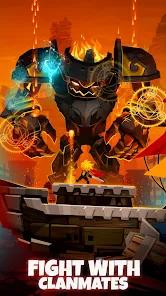
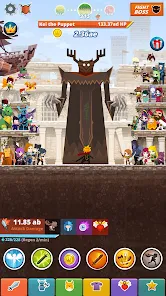
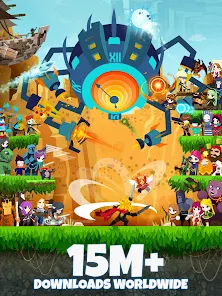
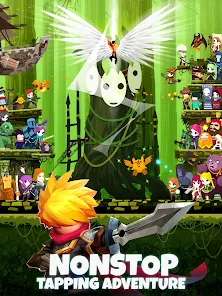
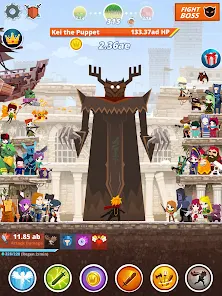
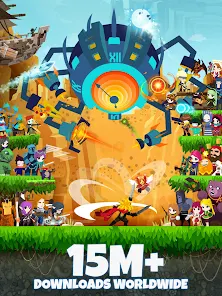
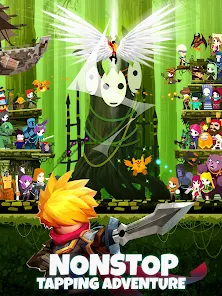
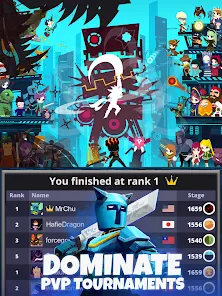
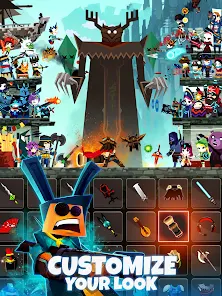
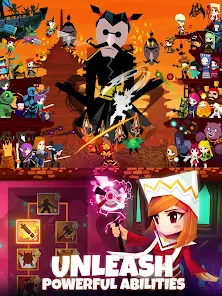
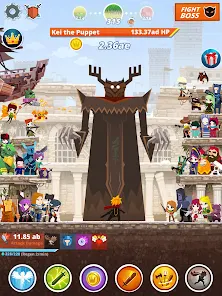
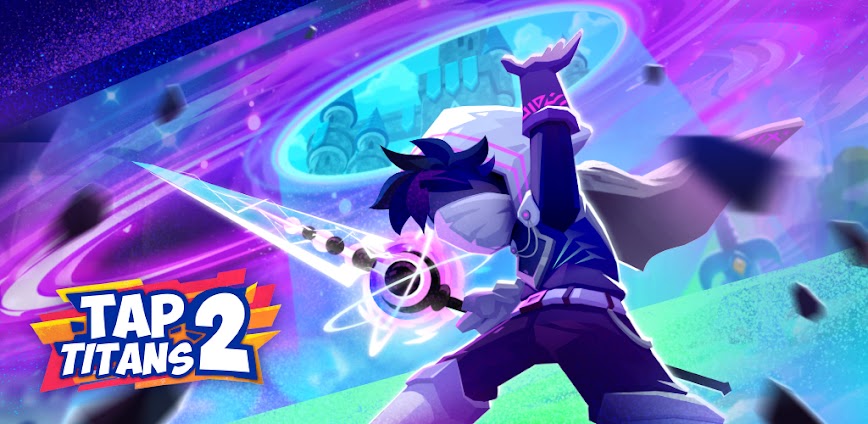
Tap Titans 2 is an incremental clicker RPG where players tap to defeat waves of Titans across 14 hand-drawn realms while recruiting heroes and collecting artifacts. The game targets idle RPG enthusiasts and competitive clicker fans who enjoy prestige-based progression systems. New players face complexity understanding multiple progression mechanics including artifacts, skill trees, and clan systems, while later stages require significant grinding without premium purchases.
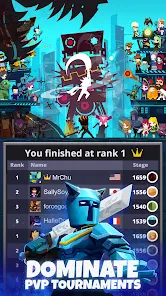
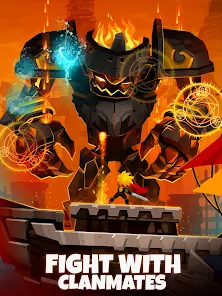
From hands-on testing, the Prestige System creates satisfying loops where resetting progress grants powerful artifacts that permanently strengthen your Sword Master. The Clan Raid feature enables cooperative multiplayer battles against Titan Lords with global players. However, users report tournament matchmaking feels imbalanced since developers acknowledged difficulty determining player power accurately, and removing ads requires premium purchases that feel excessive compared to typical mobile games.
Players exploring modified versions typically want to evaluate endgame content and test various build strategies without extensive grinding through repetitive prestige cycles. The combination of active tapping and idle mechanics appeals strongly, but monetization pressure and tournament balance issues create hesitation around competitive long-term investment. Consider using a secondary account when testing to protect your primary progression data and clan membership from potential synchronization conflicts.
Should You Use Tap Titans 2?
This Game is Ideal For:
- Prestige system fans who enjoy resetting progress strategically to gain permanent power increases through artifacts
- Clan-focused players seeking cooperative multiplayer raids against powerful Titan Lords with global communities
- Idle collectors wanting offline progression that accumulates gold and resources while away from the game
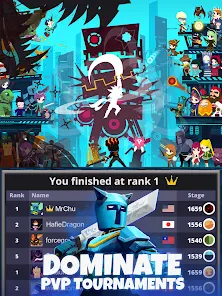
- Tournament competitors who enjoy weekly leaderboard events and racing against other Sword Masters worldwide
Consider Alternatives If:
- Competitive free-to-play gamers avoiding pay-to-win pressure – tournament placement heavily favors spending players
- Players seeking fair matchmaking – developers admitted difficulty determining player power for balanced tournaments
- Budget-conscious users wanting ad-free experiences – premium ad removal pricing feels excessive for mobile standards
- Low-engagement seekers wanting casual play – the game can become too absorbing for a simple idle experience
Key Features of Tap Titans 2
Tap Titans 2 combines incremental clicker mechanics with deep RPG progression systems across competitive multiplayer modes. Here are the standout capabilities:
- Prestige System – Reset your progress strategically to earn relics and unlock powerful artifacts that permanently boost damage
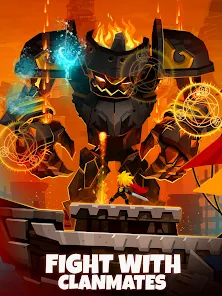
- Clan Raids – Join forces with players worldwide to battle Titan Lords cooperatively and earn exclusive clan rewards
- Tournament Mode – Compete weekly against matched players for rankings and prizes based on maximum stage reached
- Artifact Collection – Discover and upgrade artifacts that provide multiplicative damage bonuses across all prestige cycles
- Pet Companions – Recruit loyal pets that automatically attack Titans and provide passive bonuses during both active and idle play
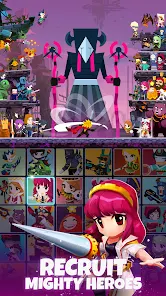
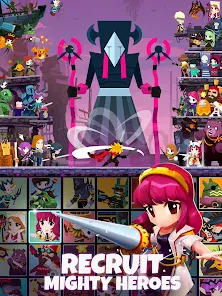
- Hero Recruitment – Hire powerful heroes with unique skills that deal massive damage independently of your tapping
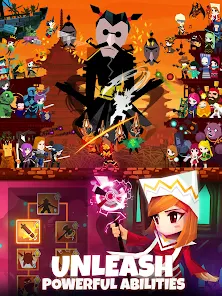
- Skill Tree System – Customize four distinct build paths including tapping, pets, heroes, and shadow clone playstyles
Download & Installation Guide
Important Security Notes:
- Modified APKs may conflict with official versions from Game Hive Corporation
- Consider using a test device or secondary account for evaluation
- Online features including tournaments, clans, and raids may not function properly
Installation Steps:
- Enable “Install from Unknown Sources” in Settings > Security
- Download the APK file to your device
- Locate the file in your Downloads folder and tap to install
- Grant storage permissions when prompted for saving progression data and offline reward calculations
- Launch and complete the initial tutorial to understand tapping, hero recruitment, and first prestige mechanics
App-Specific Considerations:
- Do not bind primary social accounts as progression conflicts may result in data loss or account suspension
- Avoid joining clans or participating in tournaments with modified versions as server-side validation may flag accounts
- Test prestige and artifact systems in offline mode before attempting any online competitive features

- Coins Never Decrease
- Mana Never Decrease
- VIP Features Enabled
- Fairy Video Skip
 Show/Hide Mod info: