
Tacticool: 3rd person shooter 2.9.1 MOD Menu APK | Rapid Fire, Unlimited Ammo, God Mode, Aimbot, AutoWin, Change View ESP
- Updated
- Version 2.9.1
- Size 98.26 MB
- Requirements Android 7.0
- Developer Panzerdog
- Genre Action
- Google Play










About Tacticool
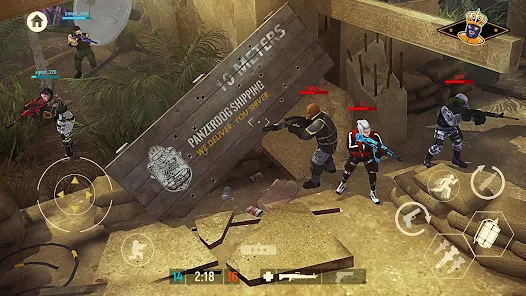
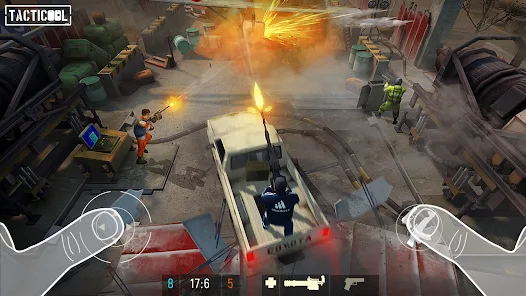
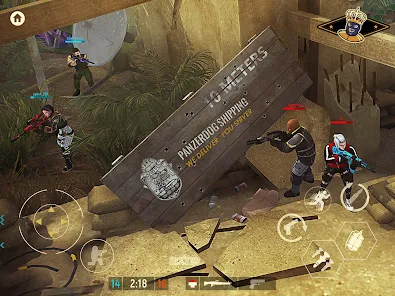
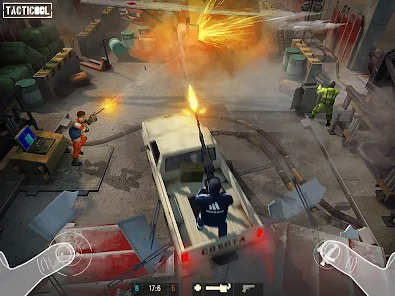
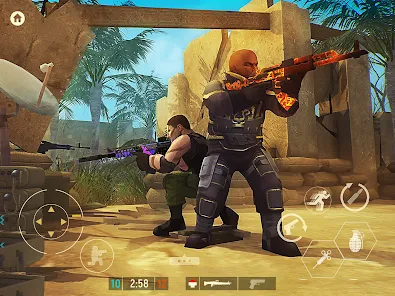
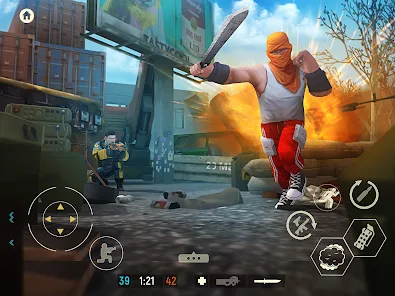
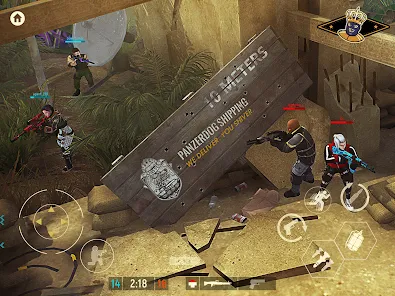
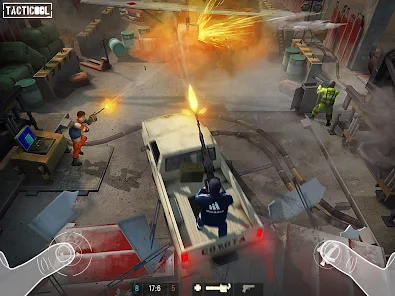
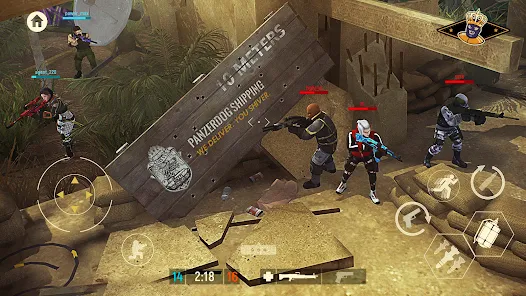
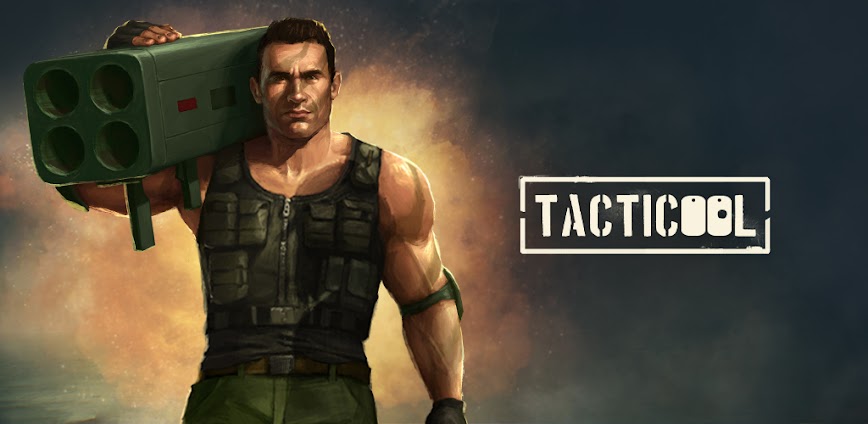
Tacticool is a 5v5 tactical shooter by Panzerdog featuring real-time physics, destructible environments, and vehicular combat from a third-person perspective. It appeals to mobile shooter fans seeking team-based competitive matches with strategic depth. However, newer players encounter significant pay-to-win barriers as premium operators and weapons outclass free alternatives, creating uneven matchmaking that frustrates those unwilling to spend money.
From hands-on testing, the grinding curve becomes steep after initial progress, with weapon upgrades requiring extensive time or real-money purchases. Features like the Operator Talent system, Landau Emitter gravity gun, and vehicle-based combat offer unique tactical options, but legendary operators costing premium currency dominate matches. Many users report being placed in lobbies against heavily-equipped players immediately after the matchmaking changes in recent updates.
Users seeking modified versions typically want to experience the complete operator roster and weapon arsenal without facing pay-to-win limitations during competitive play. This allows evaluating whether specific operator abilities match their playstyle before grinding or purchasing. Consider using a secondary account for testing since modified versions may trigger server-side detection affecting your main account progress.
Should You Use Tacticool?
This Game is Ideal For:
- Squad-based shooter fans who coordinate tactics with friends via voice chat during 5v5 matches
- Vehicle combat enthusiasts who enjoy driving cars while teammates shoot from windows simultaneously
- Physics sandbox lovers who appreciate destructible fences, exploding cars, and environmental interaction
- Mobile gamers seeking short 3-5 minute competitive rounds during commutes or break times
Consider Alternatives If:
- Fair competitive matchmaking matters – premium operators significantly outclass free characters in ranked play
- Grinding frustrates you – weapon upgrades require extensive playtime or premium currency purchases
- You prefer solo play – team coordination is essential and random teammates often lack communication
- Offline gaming is needed – Tacticool requires constant internet connectivity for all modes
Key Features of Tacticool
Tacticool combines tactical shooting with real-time physics and vehicular combat. Here are the standout features:
- Operator Talent System – Unlock and customize 30+ characters with unique abilities like Stealth, Rocket Jump, and Opticamo
- Destructible Environments – Break fences, blow up vehicles, and collapse structures to create new tactical pathways
- Vehicle Combat – Drive cars with teammates who can shoot from windows during high-speed pursuit scenarios
- 70+ Weapons Arsenal – Equip rifles, shotguns, RPGs, C4, the Landau Emitter gravity gun, and various mines
- Multiple Game Modes – Compete in Capture the Bag, Team Deathmatch, Control, Battle Royale, and zombie Operation Descent
- 19 Tactical Maps – Fight across diverse locations with unique layouts requiring different strategic approaches
- Clan Missions – Join clans and assign operators to cooperative missions for collective rewards and progression
Download & Installation Guide
Important Security Notes:
- Modified APKs may conflict with official versions
- Consider using a test device or secondary account
- Back up important data before installation
Installation Steps:
- Enable “Install from Unknown Sources” in Settings > Security
- Download the APK file to your device
- Locate the file in your Downloads folder and tap to install
- Grant storage and network permissions when prompted for game data and online match connectivity
- Launch and complete the tutorial match to verify operator abilities and weapon mechanics function properly
App-Specific Considerations:
- Online multiplayer features may not function properly as modified versions can trigger anti-cheat server detection
- Avoid linking Google Play Games account initially to prevent synchronization conflicts with saved progression
- Test operators in PvE zombie mode first before entering PvP matches to verify abilities work as expected

- Rapid Fire
- Unlimited Ammo
- God Mode
- Aimbot
- AutoWin (after 2-3 times clear cache and restart the game)
- Change View Esp
- You need to restart the game after the initial data is downloaded (Install without adding the obb).
- If you receive a "Download Failed" message, you will need to manually add the obb (extract the obb zip file into Android/obb).
 Show/Hide Mod info:




Yang unlimited ammo aplikasi nya berhenti