Super Bear Adventure 12.1.3 MOD Menu APK | God Mode, Unlock All Skins, Kill All Enemies, Free Shopping & More
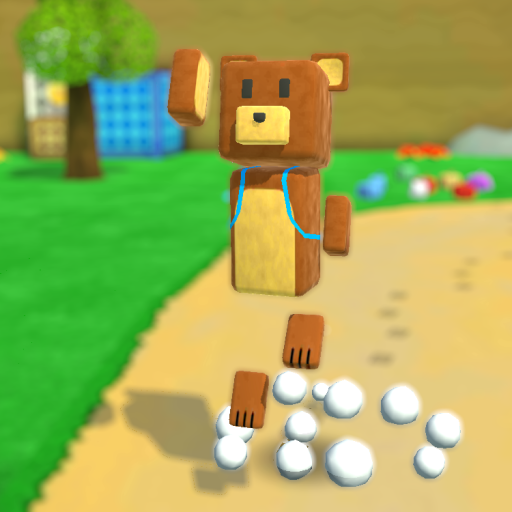
- Updated
- Version 12.1.3
- Size 107 MB
- Requirements Android 6.0
- Developer Earthkwak Games
- Genre Adventure
- Google Play
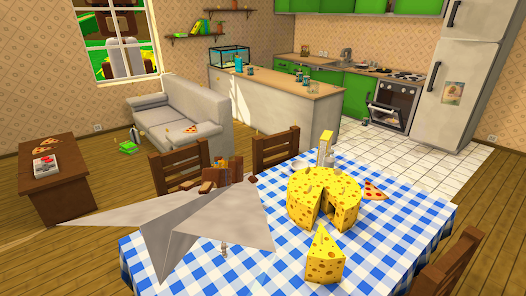

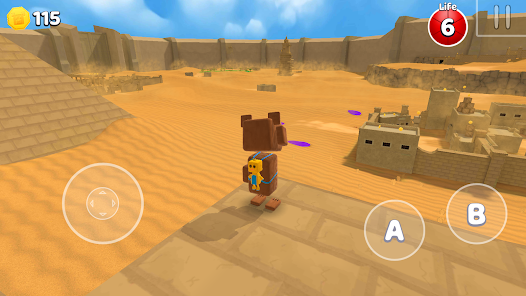
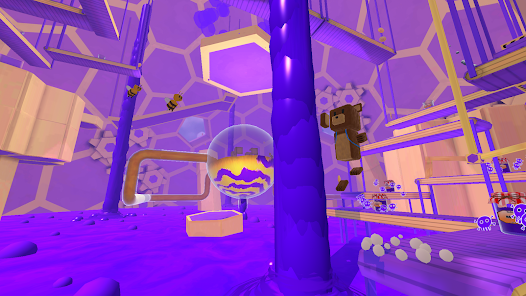
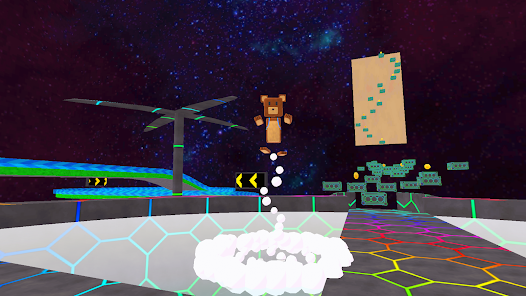
About Super Bear Adventure
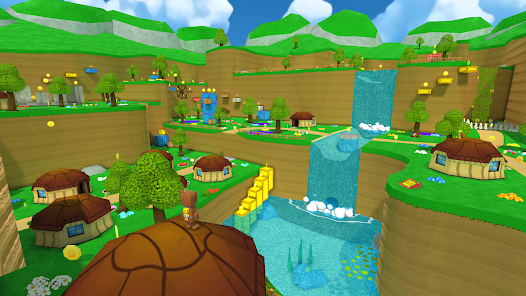
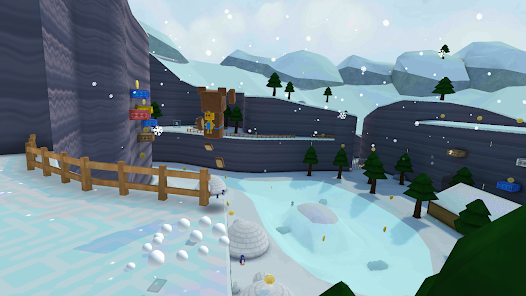
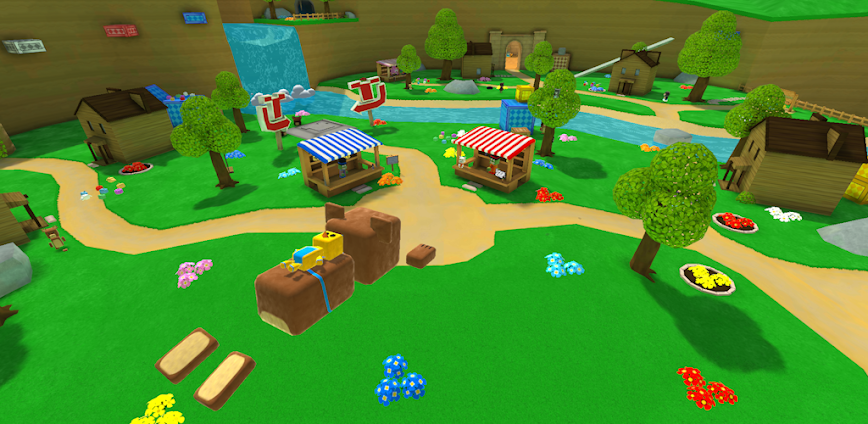
Super Bear Adventure is a 3D platformer developed by Earthkwak Games where players control Baaren, a courageous bear rescuing friends across six worlds corrupted by mysterious purple honey. The game appeals to fans of classic N64-era collectathons like Banjo-Kazooie and Super Mario 64 seeking similar experiences on mobile. New players face expansive open worlds requiring exploration skills to locate hidden bears and collectibles scattered throughout each region.
From hands-on exploration across Turtletown and Snow Valley, Baaren’s moveset includes double jumps, dives, and ground pounds for navigating vertical terrain. The Bear Rescue system requires finding 8 bears per world with only 3 needed to challenge level bosses like the Turtle Golem. Daily Challenges provide rotating objectives testing platforming precision, while the new Multiplayer Mode enables cooperative exploration with friends. However, the simple combat system relies mostly on basic punching, which some players find repetitive during extended sessions.
Users exploring modified versions typically want to unlock all character skins and customization items without the coin-collecting grind. This allows evaluating whether the exploration depth and world variety justify continued playtime investment. Consider using a secondary account for testing multiplayer features to protect any existing progress on your main profile.
Should You Use Super Bear Adventure?
This Game is Ideal For:
- Banjo-Kazooie nostalgists seeking mobile collectathon experiences with N64-era exploration and level design philosophy
- Parents seeking family-friendly content with charming voxel graphics suitable for children without violent themes
- Completionists enjoying hidden collectibles, secret areas, and 8 bears to rescue across each expansive world
- Controller players appreciating full gamepad support with responsive inputs at 60-120 FPS performance
Consider Alternatives If:
- Complex combat systems are expected—fighting relies on basic punching without deep combo mechanics
- Guided progression is preferred—open worlds require self-directed exploration to locate objectives and bears
- Compact level design matters—worlds are intentionally vast, requiring significant time investment per region
- Online competitive modes are wanted—multiplayer focuses on cooperative exploration rather than versus gameplay
Key Features of Super Bear Adventure
Super Bear Adventure combines classic 3D platforming with sandbox exploration and collectathon progression. Here are the standout capabilities:
- 6 Unique Worlds – Explore Turtletown, Snow Valley, Desert regions and more, each with distinct enemies and environmental challenges
- Bear Rescue System – Find 8 hidden bears per world, requiring only 3 rescues to unlock that region’s boss encounter
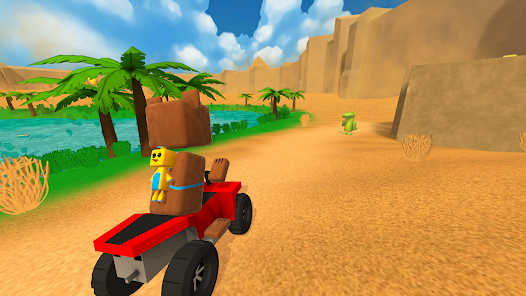
- Vehicle Driving – Control speedy vehicles across vast desert terrain and compete on dedicated racetracks throughout worlds
- Daily Challenges – Complete rotating objectives testing platforming skills with rewards for consistent participation
- Multiplayer Mode – Team up with friends for cooperative exploration across all worlds in the recent major update
- Character Customization – Unlock stylish skins and cosmetic items using collected coins throughout your adventure
- Mini-Games Collection – Play football, squash, and arcade activities scattered throughout the bear kingdom
Download & Installation Guide
Important Security Notes:
- Modified APKs may conflict with official versions
- Consider using a test device or secondary account
- Back up important data before installation
Installation Steps:
- Enable “Install from Unknown Sources” in Settings > Security
- Download the APK file to your device
- Locate the file in your Downloads folder and tap to install
- Grant storage permissions when prompted for save data and world asset management
- Complete the Bear Village hub tutorial to learn controls before entering Turtletown
App-Specific Considerations:
- Reserve adequate storage as each world downloads additional assets during first exploration visits
- The game functions fully offline for single-player content, but multiplayer requires internet connectivity
- Enable controller support in settings if using gamepads for the intended console-like experience

- God Mode
- No Clip
- No Clip Speed (0-20)
- Adjust My Size (0-200)
- Set Health (1-6)
- Unlimited Jump
- Climb Walls
- Auto Attack
- Slippery Steps
- Walking In Quick Sand
- Swimming In The Void
- No Sleeping
- Infinite Oxygen
- Revive
- Die
- Enable Rotation
- Horizontal Rotation (-400,400)
- Vertical Rotation (-400,400)
- Diagonal Rotation (-400,400)
- Select Skin (Bandit Mask, Cap Classic, Cap Modern, Unicorn, Crown, Gas Mask, Santa Suit, etc...)
- Select Level (1-6)
- Equip
- Clear Outfit
- God Mode
- Adjust Speed (0-200)
- Adjust Size (0-200)
- Select Color (None, Black, Blue, Brown, Coral, Crimson, Cyan, Gold, etc...)
- Set Shicka Color
- Adjust Size (0-200)
- Adjust Speed (0-200)
- Kill All Enemies
- Enemies Away From Me
- Enemies Can't See Me
- Paralyze All Enemies
- Select Boss (Test Subject no. 1706, Queen Beeatrice, Turtle Golem, Yeti, Guardian, Purple Bear)
- Select Level (Turtletown, Snow Valley, Beemothep Desert, Giant House, Hive)
- Play Level
- Select Location of Cage (1°–8° Giant House)
- Teleport
- Select Mission (Floor Is Lava, Egg Hunt, Parkour, Flooding, Paper Plane Flight, etc...)
- Start Mission
- Win
- Fail
- Giant Rings (On/Off)
- Adjust Size (0-200)
- Adjust Speed (0-1000)
- Enable Fly
- X Axis (-300,300)
- Y Axis (-300,300)
- Z Axis (-300,300)
- Skip Tutorial
- Select Location (Main Lobby, Wheel Of Fortune, Capitalus Shop, Arcade, Snow Valley, etc...)
- Teleport
- Auto Collect Coins
- Auto Collect Keys
- Enter Random Vehicle
- Turn Into Random Object
- Unlock Cages Without Keys
- Change Music DJ
- Unlock All Characters (Arcade Fighter)
- Select Map Background (Baaren, Capitalos, Bouncer, Tristopio, etc...)
- Set Map
- Drone View (0-150)
- Camera Distance (0-150)
- Field Of View (0-150)
- First Person Camera
- No Follow Camera
- Enable Orthographic
- Enable Cinematic Camera
- Position Cinematic X (-500,500)
- Position Cinematic Y (-500,500)
- Position Cinematic Z (-500,500)
- Select Currency Type (Coins, Capitalus Tokens, Tristopio Tokens)
- Set Amount
- Add Currency
- Free Shopping
- Unlock All Skins
- Unlock All Emotes
- Unlock All Levels
- Unlock SBA Gold
- Save All Bears
- Select Lootbox (Normal, 10x, Golden, Pmk)
- Open Lootbox
- Select Item Capitalus (Double Life, Coin Detector, Coin 100x)
- Give Item
- Select Wheel Of Fortune Reward (Coins, Tokens, Item Common, Rare, Epic, etc...)
- Give Reward
- Set Nickname
- Select Custom Color (White, Yellow, Red, Black, Blue, Cyan, Green, Pink)
- Show My Nametag
- Select Screen Orientation (Auto, Portrait, Landscape Left/Right, Upside Down)
- Set Orientation
- Set Time Scale (0-400)
- Set Frame Rate (0-120)
 Show/Hide Mod info: