State of Survival: Zombie War 1.25.500 MOD Menu APK | Damage Multiplier, One Hit Kill, God Mode, Game Speed
- Updated
- Version 1.25.500
- Size 766.93 MB
- Requirements Android 7.0
- Developer FunPlus International AG
- Genre Strategy
- Google Play









About State of Survival: Zombie War
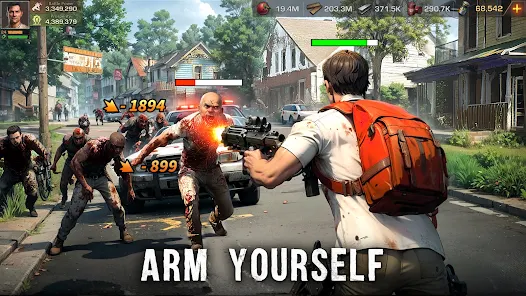
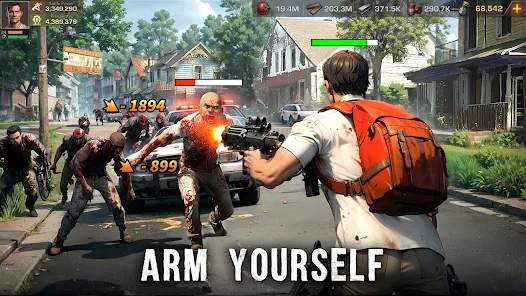
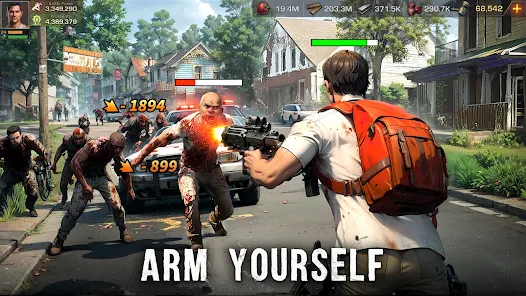
State of Survival: Zombie War is a post-apocalyptic strategy game by KingsGroup where players build and defend shelters while recruiting heroes to fight zombie hordes through base management, alliance warfare, and tower defense exploration modes. It appeals to strategy fans seeking deep alliance coordination and territory competition mechanics. However, building upgrades eventually require hours of wait time without speed-ups, and the power gap between paying and free players creates severe competitive disadvantages in cross-server events.
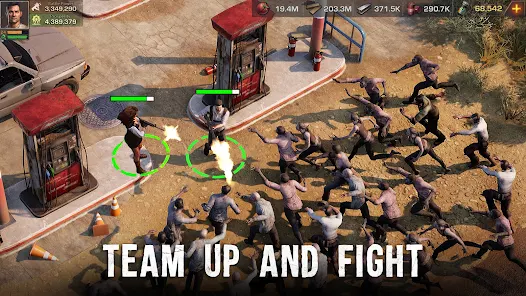
During initial exploration, the gameplay diversifies nicely between shelter construction and the Explorer Trail mode offering tactical hero combat separate from base building. Features like the Alliance system for coordinated attacks and resource sharing, Explorer Trail stages using unique hero abilities in squad formations, and cross-server Capital Defense battles provide strategic depth. Many users report customer service closes tickets without resolution, purchases fail to credit properly, and VIP points can disappear without reimbursement despite significant spending.
Users seeking modified versions typically want to experience late-game hero upgrades and alliance warfare without the severe time-gating and resource bottlenecks affecting shelter progression. This allows evaluating whether specific hero combinations match their preferred tactical playstyle before extensive grinding. Consider using a secondary account for testing since modified versions may affect alliance standings and cross-server event participation.
Should You Use State of Survival: Zombie War?
This Game is Ideal For:
- Alliance-focused strategists enjoying coordinated attacks, shared defense, and territory control with teammates
- Base builders wanting detailed shelter management with multiple resource systems and upgrade paths
- Hero collectors seeking characters with unique Explorer Trail abilities for tactical squad combat
- Social gamers who value community interaction through alliance chat, help systems, and diplomacy
Consider Alternatives If:
- Fair competition matters – paying players gain insurmountable power advantages over free-to-play users
- Customer support reliability is important – tickets get closed without resolution and purchases sometimes fail
- Patience for timers is limited – building upgrades eventually require multi-hour waits without speed-ups
- Solo play is preferred – serious progression essentially requires joining and actively contributing to alliances
Key Features of State of Survival: Zombie War
State of Survival combines base-building strategy with hero collection and alliance warfare systems. Here are the standout features:
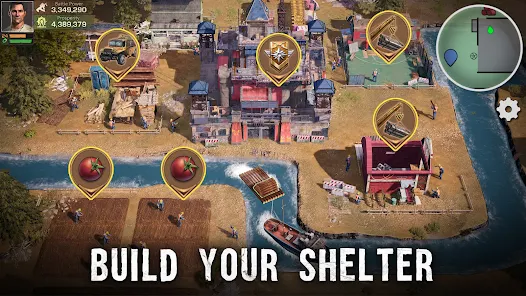
- Shelter Management – Construct and upgrade buildings to gather resources, train troops, and strengthen base defenses
- Explorer Trail Mode – Deploy hero squads through tactical stages using unique character abilities and synergies
- Alliance System – Join forces with players for coordinated attacks, shared defense, and alliance territory battles
- Cross-Server Battles – Compete against players from other servers in Capital Defense and conquest events
- Hero Recruitment – Unlock epic heroes with unique military skills and Explorer Trail combat abilities
- Tower Defense Mechanics – Defend settlements against zombie waves using strategic troop placement
- Resource Gathering – Send troops to world map locations to collect food, wood, metal, and gas
Download & Installation Guide
Important Security Notes:
- Modified APKs may conflict with official versions
- Consider using a test device or secondary account
- Back up important data before installation
Installation Steps:
- Enable “Install from Unknown Sources” in Settings > Security
- Download the APK file to your device
- Locate the file in your Downloads folder and tap to install
- Grant storage and network permissions when prompted for game assets and server connectivity
- Launch and complete the tutorial missions to unlock alliance features and Explorer Trail access
App-Specific Considerations:
- Online connectivity is required for all gameplay modes including shelter building and alliance features
- Avoid binding accounts immediately to prevent synchronization issues affecting progress and alliance membership
- Verify in-game purchases credit properly before making additional transactions due to reported billing issues

- Damage Multiplier
- One Hit Kill
- God Mode
- Game Speed
 Show/Hide Mod info: