Slayer Legend : Idle RPG 600.6.1 [MOD Menu APK][Auto Kill][Gold Drop Multiplier][Freeze Gold][Exp Drop Multiplier][Speed]
![Slayer Legend : Idle RPG 600.6.1 [MOD Menu APK][Auto Kill][Gold Drop Multiplier][Freeze Gold][Exp Drop Multiplier][Speed]](https://enmods.com/wp-content/uploads/2025/12/2244-slayer-legend-idle-rpg.png)
- Updated
- Version 600.6.1
- Size 348 MB
- Requirements Android 7.0
- Developer GEAR2
- Genre Adventure
- Google Play








![Slayer Legend : Idle RPG 600.6.1 [MOD Menu APK][Auto Kill][Gold Drop Multiplier][Freeze Gold][Exp Drop Multiplier][Speed]](https://enmods.com/wp-content/uploads/2025/12/2244-slayer-legend-idle-rpg-bg.png)
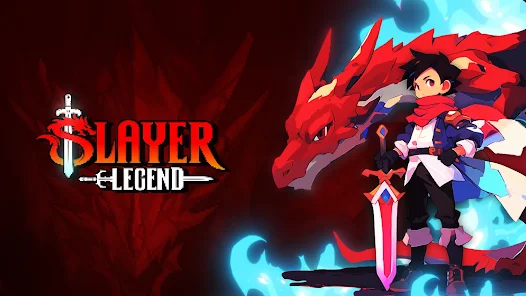
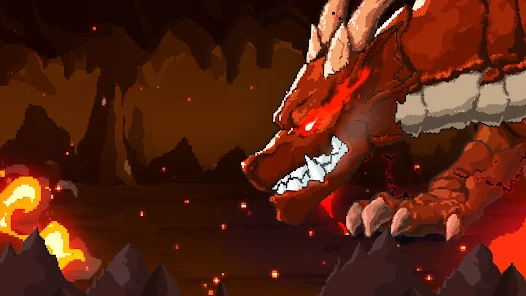
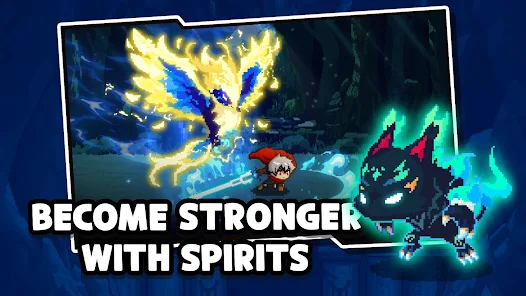
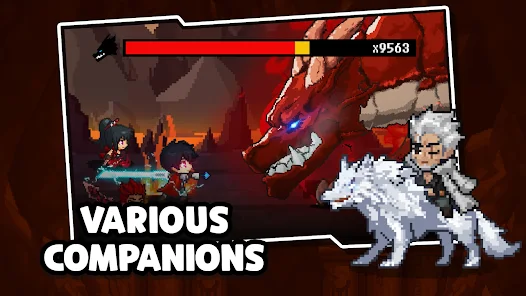
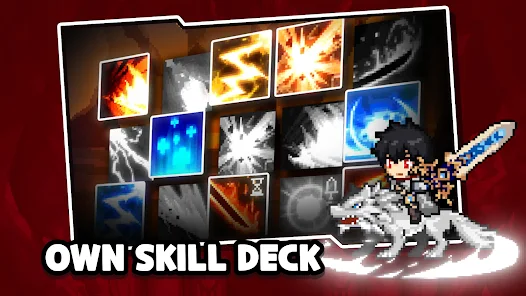
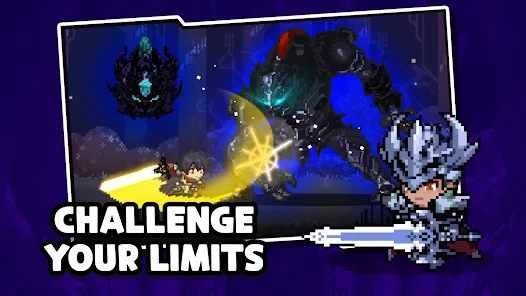
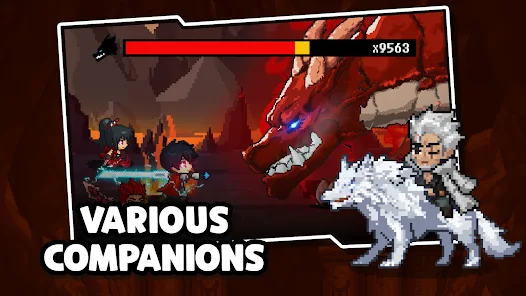
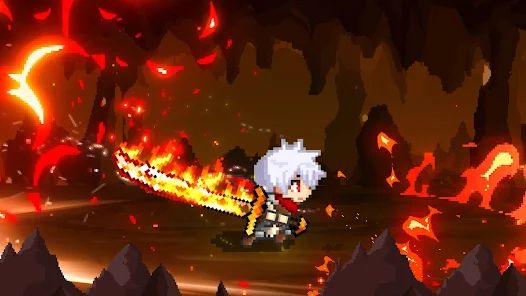
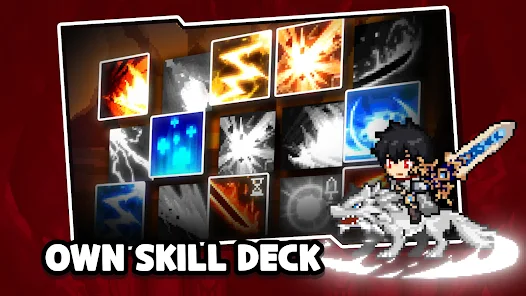
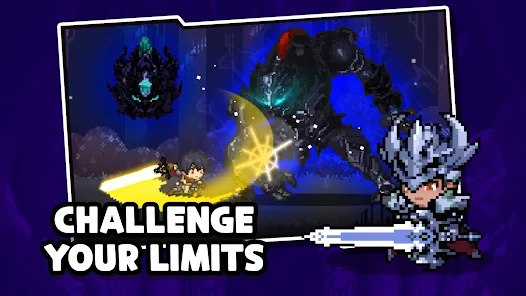
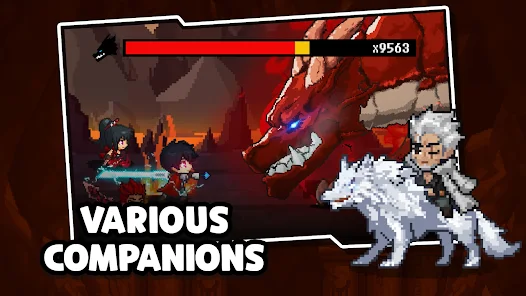
Slayer Legend : Idle RPG, developed by GEAR2, is a high-quality retro pixel role-playing game where players assume the mantle of a Slayer to defend the world against demons emerging from an unknown dimensional rift. This endless idle game allows users to enjoy continuous progression with minimal time commitment, offering rich rewards even while AFK. Players can explore a fantasy world filled with elves and wandering swordsmen, utilizing a dynamic upgrade system to level up heroes, boost gear, and unlock magic talents. The application features strategic combat that encourages users to combine element skills to discover powerful tactics against enemies, all presented within an immersive indie game experience that provides endless free gifts and growth opportunities.
How to Install (Click the Spoilers to Read):
Signed
Signed APKs are compatible with all Android devices — both rooted and non-rooted. Most mod publishers release only the signed version, as it works universally across all devices.
Installation Guide
- Uninstall the original version of the game or app.
- Download the latest MOD APK file.
- Tap to install the downloaded file.
- Launch the game and enjoy your new features!
Login Information
Please note: Google login is not available when using signed MOD APKs.
- Facebook login (if supported) can work, but you must uninstall the Facebook app from your device first.
- Other login methods — such as email, transfer codes, or guest login — typically work without issues.
Important Notes
- In-app purchases (IAP) are not supported in signed APKs since they rely on Google Play services, similar to the Google login process.
- If you have used a previous version of our MOD, you can update directly by installing the new APK over the old one — no need to uninstall.
Unsigned
Unsigned APKs work only on rooted and patched Android devices. These files are not always released by mod publishers, since they require specific device conditions to function properly.
Requirements
- Your Android device must be rooted.
- Your device must be patched to bypass app signature verification.
- This can be achieved using tools like Lucky Patcher or Xposed Framework.
- Your device must be patched to bypass app signature verification.
Once these requirements are met, installing an unsigned MOD APK is similar to installing a signed one — with one key difference: 👉 You can install it directly over the original app without uninstalling it first.
Installation Guide
- Download the unsigned MOD APK.
- Install it on your device.
- Launch the game or app and enjoy!
Notes
- If the unsigned APK fails to install, your device patch was not applied correctly.
- Login methods and in-app purchases (IAP) in unsigned MODs work just like in the original game.
- Google login functions normally.
- You can keep the Facebook app installed — no need to remove it.
- Login methods and in-app purchases (IAP) in unsigned MODs work just like in the original game.
OBB Files
Not every game or app requires OBB files, but if they do, the mod publisher will usually include them and mention that they are needed.
Step-by-Step Installation Guide
- Download the required OBB file(s).
- Download the corresponding MOD APK.
- Using a file manager, move the OBB files to the following location on your device: 👉
Android/obb/<packagecode>
- Using a file manager, move the OBB files to the following location on your device: 👉
- Install the downloaded MOD APK.
- Open the game and enjoy playing!
Important Notes
- If you receive a ZIP file, make sure to extract it first before placing the contents into the correct folder.
- OBB files are usually provided as either “.obb” files or “.zip” archives.
XAPK, APKS, or ZIP Files
- Download the .xapk, .apks, or .zip file from the website.
- Install the Split APKs Installer (SAI) app from Google Play.
- Open SAI, locate the downloaded file, and start the installation process.
- Once installed, launch the game or app and enjoy!
Don’t risk your device with shady mods full of ads! At enmods.com, we only share safe and trusted mods—no hidden junk, no fake downloads. We care about your experience and want you to enjoy worry-free gaming.

- Auto Kill
- Gold Drop Multiplier
- Freeze Gold
- Exp Drop Multiplier
- Speed
 Show/Hide Mod info:
![Westland Survival: Cowboy Game 10.7.0 [MOD Menu APK][God Mode][One Hit][Dumb Enemy][Free Craft][Max Level] & More](https://enmods.com/wp-content/uploads/2025/12/2282-westland-survival-cowboy-game.png)
![Pixel Hunter Idle 8.0 [MOD Menu APK][Attack Multiplier][Defense Multiplier][God Mode][Package Injection][Speed Multiplier]](https://enmods.com/wp-content/uploads/2025/10/763-pixel-hunter-idle.png)
![Legend of Slime: Idle RPG 4.5.3 [MOD Menu APK][God Mode][Damage Multiplier][Attack Speed Multiplier][Free Shop] & More](https://enmods.com/wp-content/uploads/2025/11/1888-legend-of-slime-idle-rpg.png)
![Demon Castle Story 1.3.0 [MOD Menu APK][1M Gold][10K Monster Points][10K Crystals][High Speed Mode]](https://enmods.com/wp-content/uploads/2025/12/2433-demon-castle-story.png)