
Guardian Tales 3.44.0 MOD Menu APK | WallHack, Teleport & More

- Updated
- Version 3.44.0
- Size 251 MB
- Requirements Android 6.0
- Developer Kakao Games Corp
- Genre Role Playing
- Google Play






About Guardian Tales
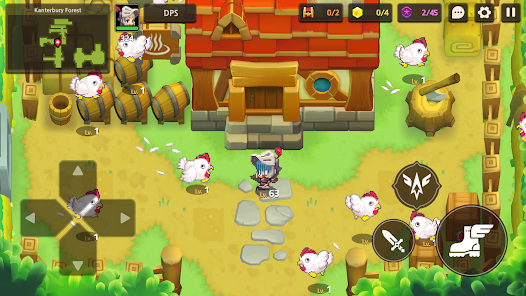
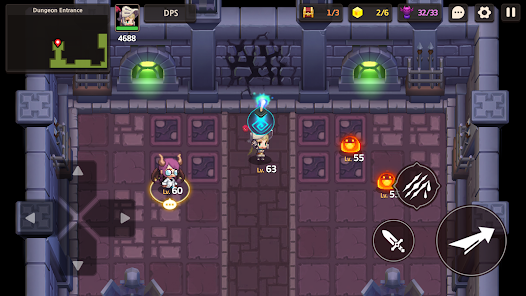
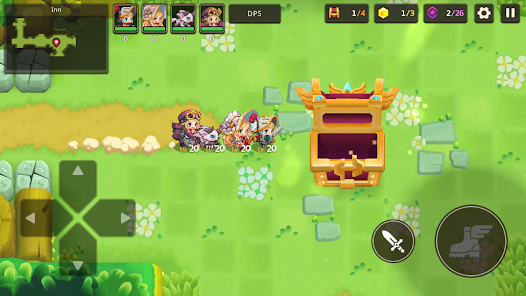
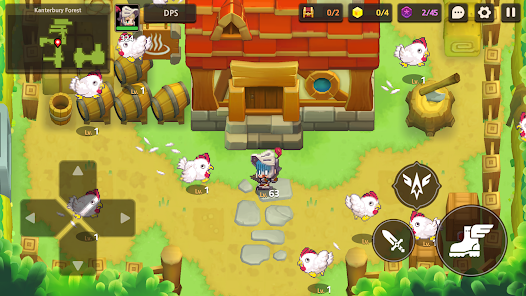
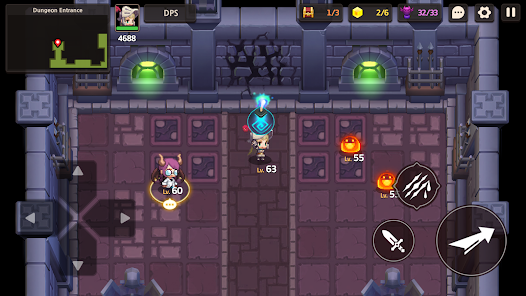
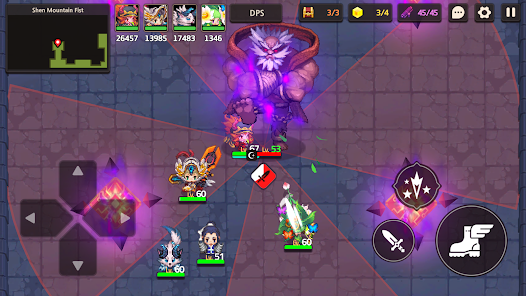
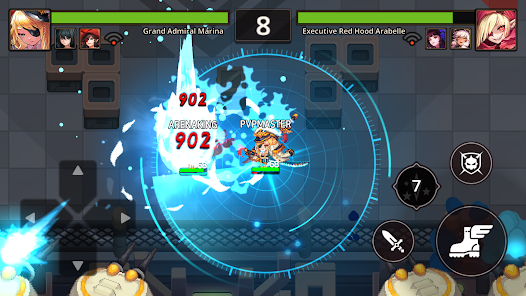
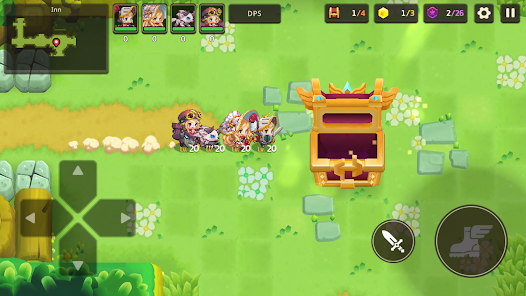
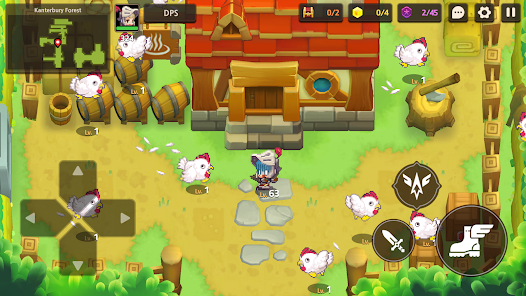
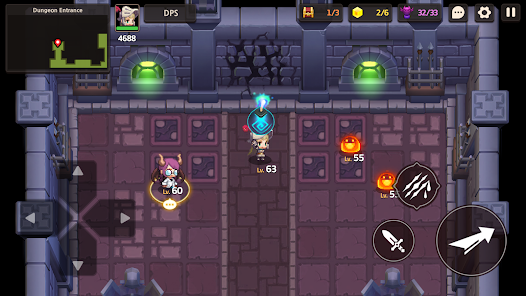
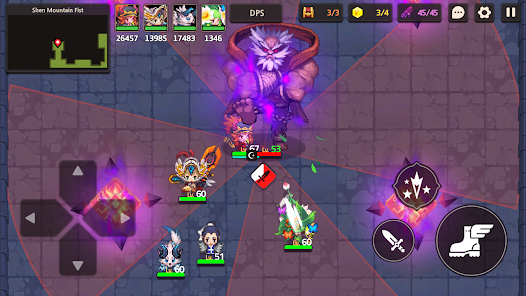
Guardian Tales is a pixel adventure RPG where players explore the kingdom of Kanterbury as the Legendary Guardian, combining puzzle-solving exploration with strategic action combat across over 150 unique heroes. The game targets retro RPG fans who appreciate Legend of Zelda-style gameplay with gacha hero collection. However, severe difficulty spikes starting around World 10 frustrate free-to-play players, with enemies dealing excessive damage and requiring months of grinding to build competitive teams.
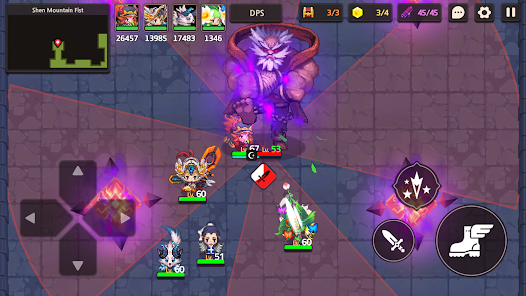
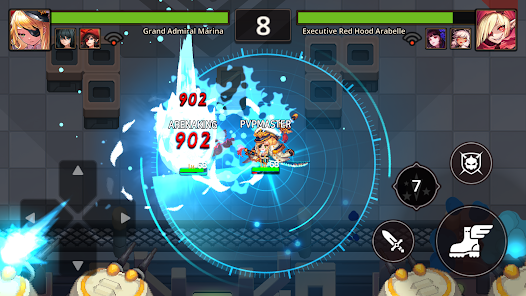
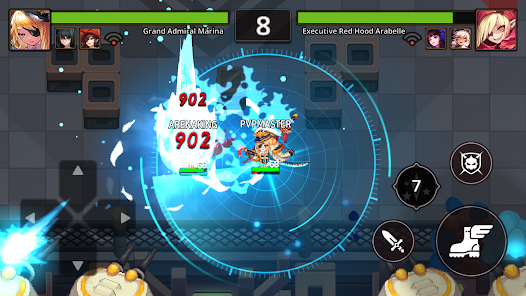
From hands-on exploration, the charming humor and puzzle mechanics captivate early, but the grind becomes overwhelming later. Features like the Heavenhold base customization where players build their floating fortress, the Colosseum automatic 4v4 hero battles, and the Co-op Raids for guild boss challenges add content variety. Many users report needing specific weapons to make summoned characters viable, creating frustrating spawn-dependency that limits roster flexibility.
Users exploring modified versions typically want to evaluate the complete hero roster and late-game world content without hitting the extensive grinding walls or wallet-dependent PvP barriers. This allows testing whether the puzzle combat and story progression provide lasting entertainment value. Consider using a secondary account for initial testing since online features including Arena rankings and guild raids may behave unpredictably with modified installations.
Should You Use Guardian Tales?
This Game is Ideal For:
- Retro pixel art enthusiasts who appreciate high-quality sprite work combined with charming animations and voice acting
- Story-driven players seeking genuinely funny dialogue with unexpected twists throughout the main campaign narrative
- Puzzle-adventure fans who enjoy Legend of Zelda-style exploration with hidden pathways and treasure discoveries
- Guild community players wanting Co-op Raids and Team Deathmatch content requiring coordinated teamwork strategies
Consider Alternatives If:
- Difficulty spikes frustrate you – World 10 onward becomes punishing with enemies dealing excessive unavoidable damage
- Fair PvP expected – Arena mode heavily favors wallet spending creating significant pay-to-win competitive advantages
- Quick character viability matters – newly summoned heroes require their exclusive weapons to become combat-effective
- Limited grinding tolerance – building competitive teams demands months of repetitive resource farming for upgrades
Key Features of Guardian Tales
Guardian Tales combines pixel adventure RPG mechanics with puzzle exploration and gacha hero collection. Here are the standout capabilities:
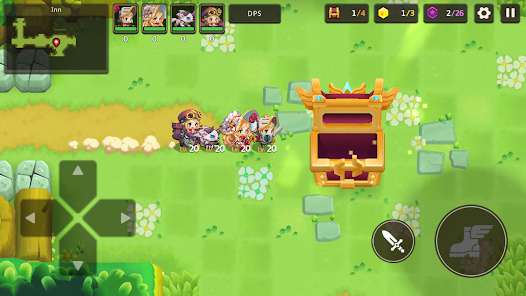
- Puzzle-Solving Exploration – Lift boulders, throw bombs, and discover hidden pathways to secret treasures throughout each world
- Strategic Action Combat – Dodge, attack, and jump through manual gameplay requiring skill rather than pure auto-battle
- Over 150 Unique Heroes – Collect pixel heroes with unique combat styles, vibrant voice acting, and adorable costumes
- Heavenhold Base Building – Customize your floating fortress with facilities that provide gameplay bonuses and visual personalization
- Colosseum PvP Mode – Assemble teams of 4 heroes for automatic battles competing against other players for rankings
- Co-op Raids – Join guilds to coordinate boss raids earning rare items, experience points, and gold rewards
- World Story Campaign – Progress through over 20 worlds uncovering Kanterbury’s fate with twist-filled narrative chapters
Download & Installation Guide
Important Security Notes:
- Modified APKs may conflict with official versions
- Consider using a test device or secondary account
- Back up important data before installation
Installation Steps:
- Enable “Install from Unknown Sources” in Settings > Security
- Download the APK file to your device
- Locate the file in your Downloads folder and tap to install
- Grant network and storage permissions when prompted for online features and game asset downloads
- Complete the tutorial stages in Kanterbury and unlock Heavenhold before exploring advanced game modes
App-Specific Considerations:
- Avoid linking accounts or making gem purchases when testing modified installations to prevent synchronization conflicts
- Online features including Arena rankings, Colosseum battles, and Co-op Raids may not function with modified versions
- The game requires approximately 2GB storage for base installation plus downloaded world assets and voice data
Install Steps
1. Download and install Muffinator
2. Give overlay permission for Muffinator app
3. Open Muffinator and select your desire game
4. Click download for module and install module via Magisk
5. Click Play to start the game

- WallHack
- Wallhack V2
- Immortal
- AutoWin (Colo)
- No Cooldown
- Reduce Damage
- Unlimited Heal
- Training Hero
- Training Weapon
- Blessing All Hero
- Dumb Enemy (Lobby)
- God Mode (TDM)
- Respawn Time (TDM)
- Level 300
- Cr Rate 100%
- Can Hold All
- Drone View
- Game Speed
- Damage
- Defense
- WalkSpeed
- ESP Monster
- ESP Purple Coin
- ESP Star Piece
- ESP Items
- ESP Chest
- ESP Line
- ESP Count
- Teleport to Monster
- Teleport to Purple Coin
- Teleport to Star Piece
- Teleport to Items
- Teleport to Chest
- I DO FREE UPDATE ONLY ON WEEKENDS
 Show/Hide Mod info:





pls make apk or xapk format .my honor x9c no roots
Zygisk enable
I very hate wrote get link method lor
Update to version 3.39.0 please
Desabilite essa coisa de Zigysk dos mods pra ganhar seguidores