Ensemble Stars Music 4.2.8294 MOD Menu APK | Auto Dance, Score Boost

- Updated
- Version 4.2.8294
- Size 1.45 GB
- Requirements Android 6.0
- Developer Eureka Creation Limited
- Genre Music
- Google Play


About Ensemble Stars Music
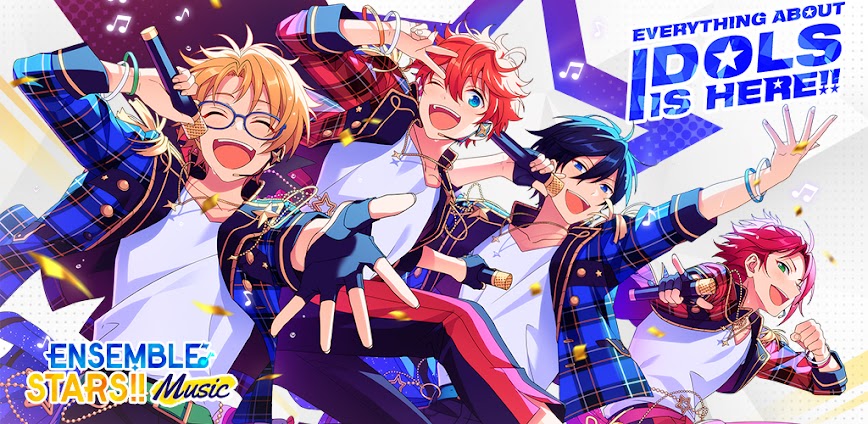
Ensemble Stars Music is a 3D rhythm game featuring over 40 male idol characters voiced by prominent Japanese voice actors including Hikaru Midorikawa and Yuki Kaji. It appeals to fans of idol franchises who enjoy both rhythm gameplay and extensive character-driven narratives written by light novelist AKIRA. However, the gacha system demands significant diamond investment for 5-star cards, and the game frequently freezes during asset downloads, causing frustration for players with limited storage capacity.
From hands-on testing of Live Stage performances, the curved note input line creates adjustment challenges for players migrating from other rhythm games. Features like Special Performance (SPP) activations reward setting specific idols as Center, while the Office customization system lets players decorate personal idol spaces with themed furniture. Many users report that event competition becomes exhausting without spending diamonds, and the 3% five-star gacha rate combined with expensive ten-pull costs creates collection barriers.
Users seeking modified versions typically want to evaluate whether the extensive idol roster and story content justify the premium currency economy before investing time or money. This allows experiencing the full 3D MV performances and character interactions without artificial resource constraints limiting exploration. Consider using a secondary account for testing purposes and keep your primary progress data separate from modified installations.
Should You Use Ensemble Stars Music?
This Game is Ideal For:
- Male idol fans who prefer 3D concert performances over static 2D card artwork in gacha games
- Story-focused players seeking mature narrative arcs beyond typical lighthearted idol franchise content
- Rhythm game newcomers needing accessible Easy difficulty without sacrificing full 3D MV experiences
- Japanese voice acting enthusiasts collecting performances from popular seiyuu across forty idol characters
Consider Alternatives If:
- Storage space is limited – frequent freezing during song and MV downloads requires ample device memory
- You prefer female idol content – all playable characters are male with no mixed-gender roster options
- Competitive event grinding frustrates you – earning 5-star cards requires significant time or diamond investment
- Flick note precision matters – directional flick requirements create difficulty spikes compared to simpler rhythm games
Key Features of Ensemble Stars Music
Ensemble Stars Music combines rhythm gameplay with extensive idol management and character storytelling. Here are the standout capabilities:
- 3D LIVE Mode – Watch fully choreographed music video performances with customizable camera angles during rhythm stages
- Special Performance (SPP) – Set any idol as Center to trigger unique animated sequences during songs they have designated cards for
- Office Customization – Decorate personal idol spaces with furniture sets that trigger special character reaction animations
- Four Difficulty Levels – Progress from Easy through Expert with consistent full MV rewards regardless of difficulty selected
- Memorial Coin Exchange – Collect currency from past events to obtain missed cards, stories, backgrounds, and MV costume pieces
- Tour Event Mode – Complete map-based event challenges to earn guaranteed 5-star cards without requiring gacha diamond spending
- Multilingual Story Support – Read extensive idol narratives in English, Simplified Chinese, Traditional Chinese, or Korean translations
Download & Installation Guide
Important Security Notes:
- Modified APKs may conflict with official versions
- Consider using a test device or secondary account
- Back up important data before installation
Installation Steps:
- Enable “Install from Unknown Sources” in Settings > Security
- Download the APK file to your device
- Locate the file in your Downloads folder and tap to install
- Grant storage permissions when prompted for downloading song data, 3D MVs, and voice assets
- Complete the initial tutorial and perform beginner gacha pulls before binding any social accounts
App-Specific Considerations:
- Reserve at least 2GB free storage as downloading all songs and 3D MVs creates substantial cache files
- Test server connectivity before binding accounts since all gacha, events, and progression require online validation
- Avoid linking Google Play or Apple ID accounts until confirming modified version stability with your device configuration

- Auto Dance
- Score Boost
 Show/Hide Mod info: