Dragon City: Mobile Adventure 25.15.3 MOD Menu APK | Player Turn Loop, Damage Multiplier
- Updated
- Version 25.15.3
- Size 189.1 MB
- Requirements Android 7.0
- Developer Social Point
- Genre Simulation
- Google Play


About Dragon City: Mobile Adventure
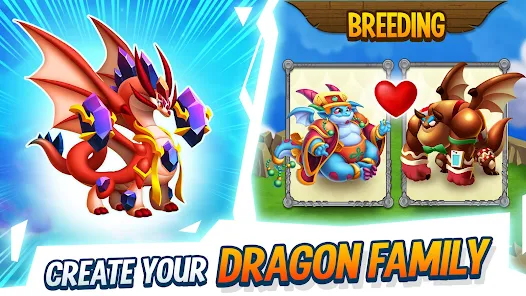
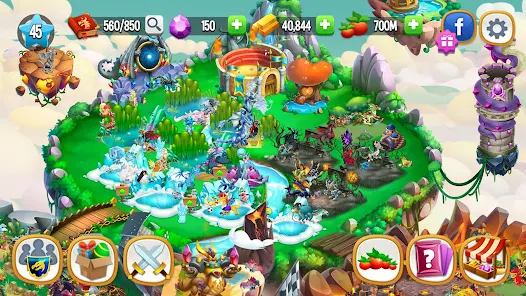
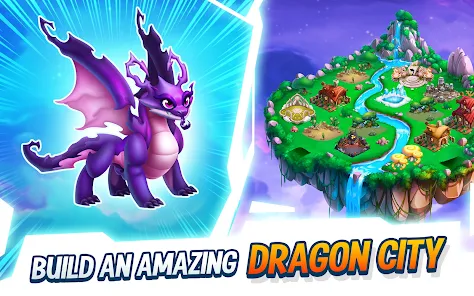
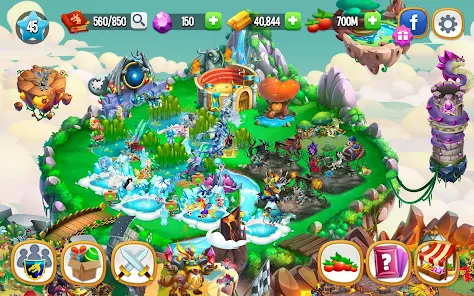
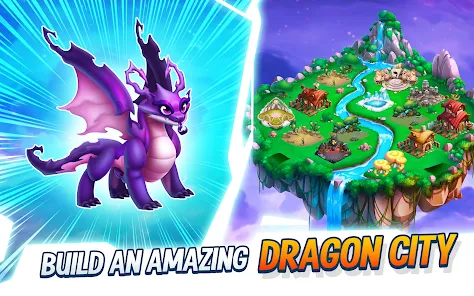
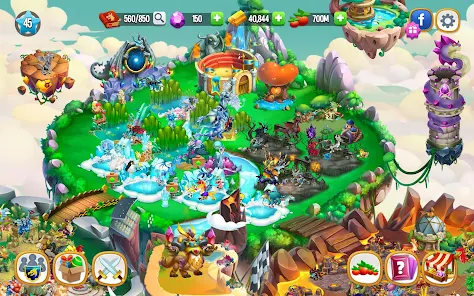
Dragon City: Mobile Adventure is a dragon breeding simulator where players build floating islands, hatch eggs, and train over 1,500 unique dragons for PvP Arena battles. The game attracts collectors and creature-raising enthusiasts who enjoy hybrid breeding combinations and building expansive dragon habitats. New players quickly encounter long hatch timers that can exceed 24 hours for rarer dragons, and premium currency remains scarce without real-money investment.
From hands-on testing of the breeding mechanics, the waiting becomes the primary gameplay obstacle rather than strategic decisions. The Breeding Sanctuary and Dragon Book systems offer substantial collection depth, while the Tree of Life summons and Orb empowerment add layers to dragon strength progression. However, users consistently report that ad billboards permanently occupy island space, and pop-up prompts to spend gems appear constantly upon login.
Users exploring modified versions typically want to evaluate late-game collection potential and test breeding combinations without extensive waiting periods. This allows assessing whether the dragon variety and PvP combat depth justify the time investment required for standard progression. Consider using a secondary account for testing to protect any established dragon collection on your main profile.
Should You Use Dragon City: Mobile Adventure?
This Game is Ideal For:
- Creature collectors who enjoy cataloging 1,500+ dragon varieties across Fire, Nature, Pure, and Legend elements
- Short-session players comfortable checking the app briefly throughout the day to collect resources and start timers
- Social gamers wanting Alliance features like the Trading Hub for Orb exchanges and Alliance Chest rewards
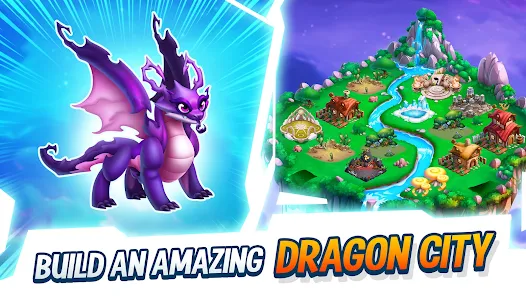
- Fantasy enthusiasts who appreciate dragon design variety and habitat-building aesthetics on floating island layouts
Consider Alternatives If:
- Extended play sessions matter—timers gate almost everything, leaving little to do after initial daily actions
- Ad tolerance is low—permanent island billboards and frequent video prompts significantly interrupt gameplay flow
- Premium currency matters—gems are scarce without purchase, and many progression shortcuts require significant spending
- Breeding RNG frustrates you—specific dragons require luck-based outcomes that may take dozens of attempts
Key Features of Dragon City: Mobile Adventure
Dragon City combines creature collection with breeding mechanics and turn-based PvP combat. Here are the standout capabilities:
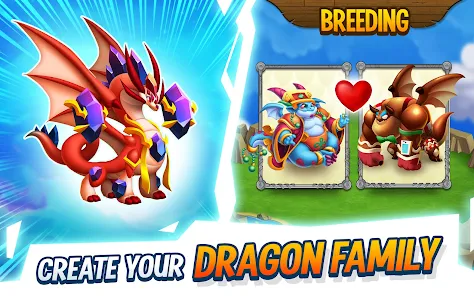
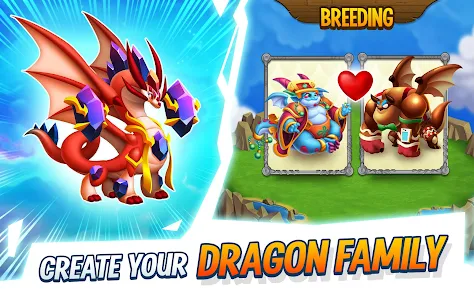
- Dragon Breeding Sanctuary – Combine dragons of different elements like Fire, Nature, and Legend to create over 1,500 unique hybrid species
- Tree of Life – Summon dragons from a magical realm to your city and test their combat abilities before investing resources
- Orb Empowerment – Collect Orbs to permanently boost dragon stats, transforming average creatures into formidable PvP contenders
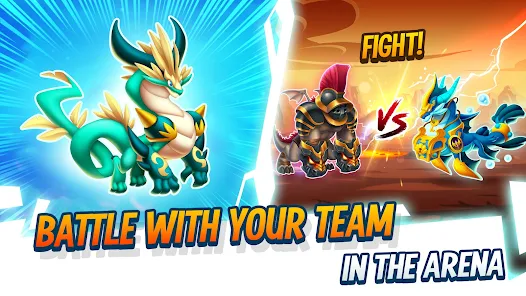
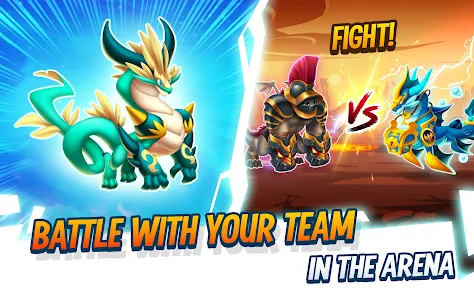
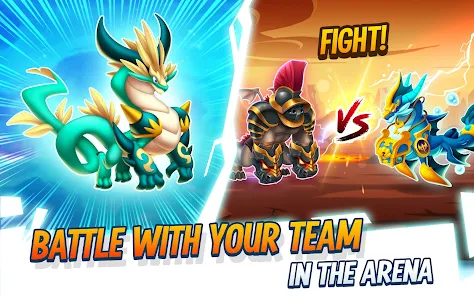
- PvP Arenas – Battle other Dragon Masters in turn-based combat to earn Warrior’s Chests and climb competitive leaderboards
- Ancient World – Unlock advanced content featuring Guardian Dragon Towers and discover Dragonverse legends beyond the main islands
- Alliance System – Join other Dragon Masters to chat, trade Orbs via the Trading Hub, share Alliance Gifts, and open group Chests
- Dragon Skins – Customize favorite dragons with cosmetic appearances earned from special events and seasonal mini-games
Download & Installation Guide
Important Security Notes:
- Modified APKs may conflict with official versions
- Consider using a test device or secondary account
- Back up important data before installation
Installation Steps:
- Enable “Install from Unknown Sources” in Settings > Security
- Download the APK file to your device
- Locate the file in your Downloads folder and tap to install
- Grant storage permissions when prompted for save data and dragon asset caching
- Complete the initial tutorial island before accessing breeding and PvP features
App-Specific Considerations:
- Reserve at least 1GB storage as the game downloads additional dragon models and habitat assets after initial installation
- Online connectivity is required for Alliance features, PvP Arenas, and event content—expect reduced functionality offline
- Avoid linking Facebook or Google accounts to prevent potential conflicts between modified and official server saves

- Player Turn Loop
- Damage Multiplier
- Needs OBB: No
- Needs Root + Patch: Yes!
- APK Version: v25.5.2 (still working for 25.15.3)
- Arm32 Compatibility Mandatory. Confirmed working on LDPlayer A9.
 Show/Hide Mod info: