Die Again: Troll Game Ever 1.1.22 MOD Menu APK | Unlimited Jump, Win Level, Set Money, Always Lucky Spin Free, Add Amount & More
- Updated
- Version 1.1.22
- Size 95.42 MB
- Requirements Android 7.0
- Developer JaCat Games Studio
- Genre Action
- Google Play


About Die Again: Troll Game Ever
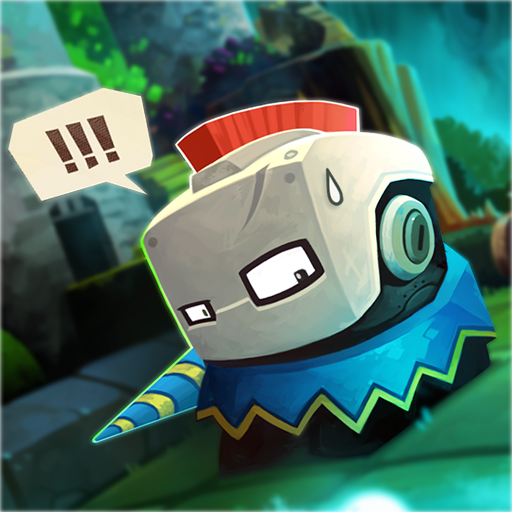
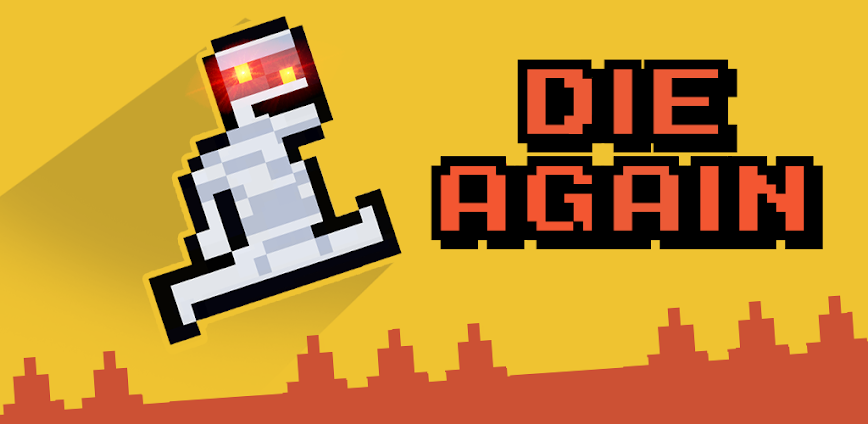
Die Again: Troll Game Ever is a 2D platformer by JaCat Games Studio designed to trick players with unexpected traps, hidden obstacles, and logic-defying puzzles across 200+ increasingly difficult levels. It appeals to gamers who enjoy frustrating-yet-addictive challenges similar to Level Devil and getting over it-style gameplay. However, the game cannot save progress to an account, meaning device changes or reinstalls result in losing all completed levels, and players report the trap timing becomes predictable after extended play.
From hands-on testing through early levels, the simple three-button controls mask deviously placed traps that appear from nowhere including sudden sinkholes, falling text, and portals that redirect your character into obstacles. Features like unique kill-screens display different death animations depending on how you died, while the Take A Break prompt forces mandatory ad interruptions after 5-10 consecutive deaths. Many users praise the addictive “one more try” feeling but criticize the aggressive ad frequency that interrupts gameplay every level or two.
Users seeking modified versions typically want to evaluate whether the trap variety and level progression justify the constant advertisement interruptions before committing significant playtime. This allows experiencing the full level collection without forced breaks disrupting the gameplay flow. Consider using a secondary device for testing since progress cannot be backed up to any account.
Should You Use Die Again: Troll Game Ever?
This Game is Ideal For:
- Level Devil fans seeking similar troll mechanics with unexpected trap placement across hundreds of challenging stages
- Content creators recording rage-game reactions where unpredictable deaths create entertaining viewing moments
- Short-session players wanting quick attempts during breaks since levels take seconds to complete when successful
- Patience-testing enthusiasts who enjoy failing repeatedly until mastering each obstacle pattern through trial-and-error
Consider Alternatives If:
- Ad-free experiences matter to you – advertisements appear after nearly every level and during death breaks
- Progress saving is important – no account system exists meaning reinstalling loses all completed levels permanently
- Predictable challenge appeals more – trap timing becomes somewhat repetitive for players familiar with similar games
- Extended play sessions are preferred – forced “Take A Break” interruptions halt momentum after multiple consecutive deaths
Key Features of Die Again: Troll Game Ever
Die Again: Troll Game Ever combines simple 2D platforming with unpredictable troll mechanics designed to surprise and frustrate. Here are the standout capabilities:
- 200+ Troll Levels – Navigate through increasingly difficult stages where traps appear from unexpected locations including falling platforms and sudden holes
- Three-Button Controls – Move left, right, and jump using simple taps while timing becomes critical to avoid hidden obstacles
- Unique Kill-Screens – View different death animations based on how your character died, keeping failures entertaining rather than repetitive
- Unlockable Skins – Customize your character with various appearances earned through gameplay progression and in-game rewards
- Take A Break System – Receive mandatory pause prompts after 5-10 consecutive deaths, creating natural stopping points between attempts
- No Graphic Violence – Experience death animations without blood or gore, keeping content appropriate for all age groups
- Offline Playability – Complete levels without internet connectivity once the game is downloaded and installed on your device
Download & Installation Guide
Important Security Notes:
- Modified APKs may conflict with official versions
- Consider using a test device or secondary account
- Back up important data before installation
Installation Steps:
- Enable “Install from Unknown Sources” in Settings > Security
- Download the APK file to your device
- Locate the file in your Downloads folder and tap to install
- Grant storage permissions when prompted for saving local level progress on your device
- Complete the first few tutorial levels to test trap responsiveness before extended play sessions
App-Specific Considerations:
- Progress saves only locally on device since no account system exists for cloud backup or cross-device synchronization
- Test ad behavior early as interruption frequency varies and may affect gameplay experience differently between versions
- The game runs offline after initial installation, so airplane mode can be used to reduce advertisement interruptions

- Speed Player (0-50)
- Jump Height (0-50)
- Unlimited Jump
- Auto Jump
- Win Level
- Set Money
- Add Amount
- Unlock All Skins
- Always Lucky Spin Free
 Show/Hide Mod info: