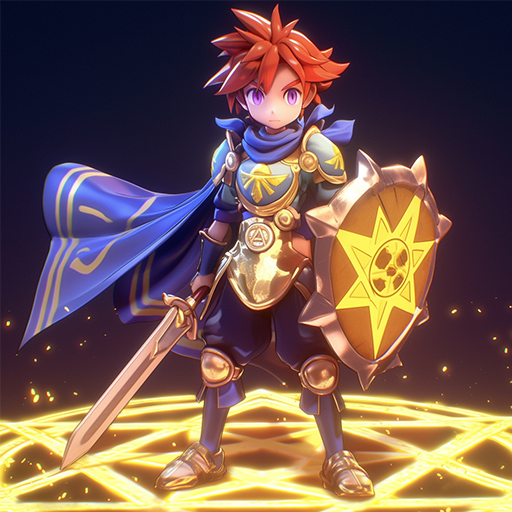
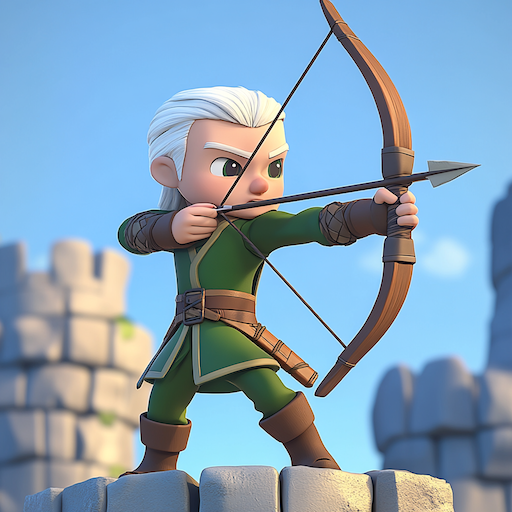
Dark Mage Defense: 66,666 1.0.12 MOD Menu APK | Damage Multiplier, God Mode, Unlimited Skills, Unlock No Ads, Game Speed

- Updated
- Version 1.0.12
- Size 540 MB
- Requirements Android 6.0
- Developer Arumgames
- Genre Casual
- Google Play



About Dark Mage Defense: 66,666
Dark Mage Defense: 66,666 is a roguelike defense RPG based on the popular webtoon “66,666 Years: Advent of the Dark Mage” developed by Arumgames. The game targets fans of tower defense mechanics combined with character collection gacha systems and spell-casting combat. New players face an initial grind for premium currency needed to summon powerful characters, while understanding optimal team compositions requires experimentation across multiple runs.
During initial exploration, the wave-based enemy system demands precise timing when deploying spells and positioning heroes on the battlefield. Features like Endless Combinations allow mixing characters with different magic types, while the Collect & Upgrade Characters system lets players strengthen webtoon heroes alongside original units. However, acquiring high-tier characters through the gacha system often requires premium currency that accumulates slowly for free players.
Users exploring modified versions typically want to evaluate the complete character roster and experience late-game content before committing to ongoing purchases. This allows testing whether specific hero combinations and magic builds genuinely match their preferred defensive playstyle. Consider using a secondary account for testing purposes, keeping your main progression and any purchased resources separate from experimental installations.
Should You Use Dark Mage Defense: 66,666?
This Game is Ideal For:
- Webtoon readers who followed “66,666 Years: Advent of the Dark Mage” and want interactive character experiences
- Tower defense fans seeking roguelike variety with randomized runs instead of fixed stage layouts
- Commuters wanting short session gameplay that progresses through daily rewards without extended commitments
- Gacha collectors who enjoy building diverse hero rosters and experimenting with team synergies
Consider Alternatives If:
- You dislike gacha mechanics – character acquisition heavily depends on summoning luck affecting team strength
- Offline play matters most – defense battles and rewards require consistent internet connectivity throughout sessions
- Original stories interest you more – narrative closely follows existing webtoon rather than introducing fresh plots
- Strategic depth is priority – Arknights or Kingdom Rush offer more complex tower placement and tactical options
Key Features of Dark Mage Defense: 66,666
Dark Mage Defense combines roguelike progression with webtoon-licensed characters and spell-casting defense mechanics. Here are the standout capabilities:
- Strategic Defense Action – Time spell releases and character skills precisely to wipe out enemy waves before they breach defenses
- Collect & Upgrade Characters – Recruit iconic webtoon heroes and original units, then strengthen them through progressive enhancement systems
- Endless Combinations – Mix different character classes with various magic types to create unique defensive strategies per run
- Non-stop Growth – Access daily rewards and limited events that maintain progression momentum without requiring extended grinding sessions
- Roguelike Run Variety – Experience different battlefield conditions and enemy patterns each session for replayable defense challenges
- Webtoon Story Integration – Encounter familiar characters and plot elements from the original “66,666 Years” series throughout gameplay
Download & Installation Guide
Important Security Notes:
- Modified APKs may conflict with official versions
- Consider using a test device or secondary account
- Back up important data before installation
Installation Steps:
- Enable “Install from Unknown Sources” in Settings > Security
- Download the APK file to your device
- Locate the file in your Downloads folder and tap to install
- Grant storage and network permissions when prompted for game data downloads and online defense features
- Launch and complete the tutorial defense stage to verify server connectivity before accessing character summoning
App-Specific Considerations:
- Online features including gacha summoning and daily rewards may not function properly in modified versions
- Avoid binding your primary account as modified clients risk permanent suspension from official servers
- Reserve approximately 700MB storage space for initial game data and subsequent character asset downloads

- Damage Multiplier
- God Mode
- Unlimited Skills
- Unlock No Ads
- Game Speed
 Show/Hide Mod info: