ANOTHER EDEN Global 3.14.60 MOD Menu APK | Damage Multiplier, God Mode, Pick Item Multiplier, Max Level, 65K Gold Per Battle

- Updated
- Version 3.14.60
- Size 172.89 MB
- Requirements Android 7.0
- Developer WFS Inc
- Genre Role Playing
- Google Play





About ANOTHER EDEN Global
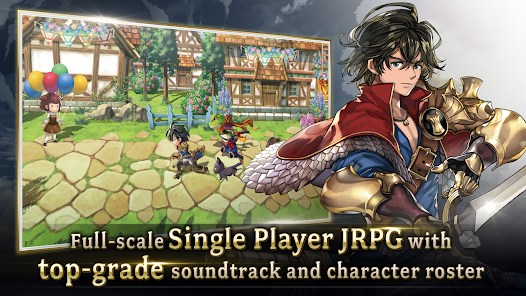
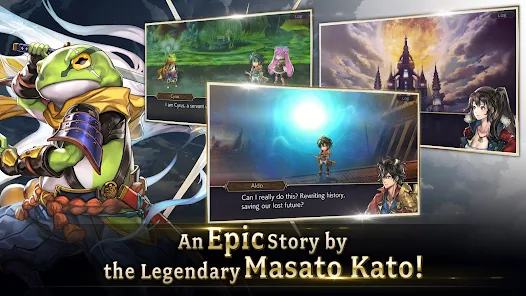
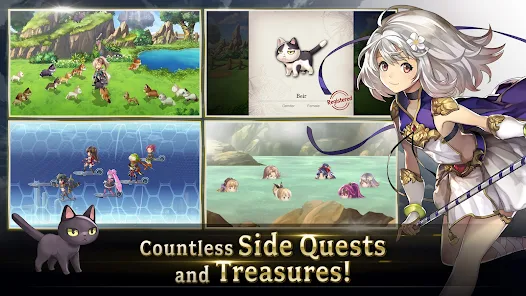
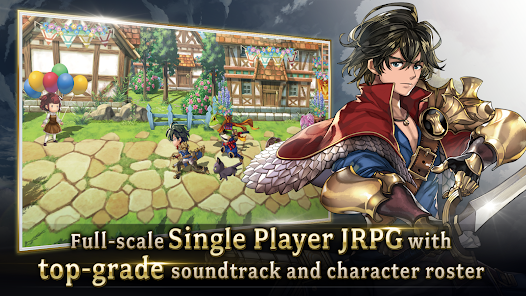
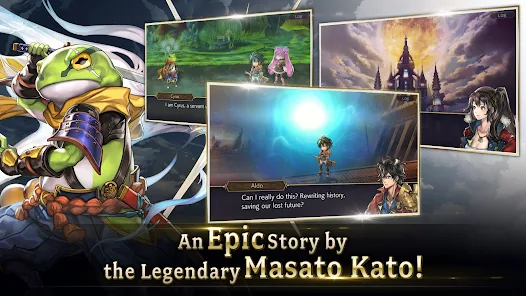
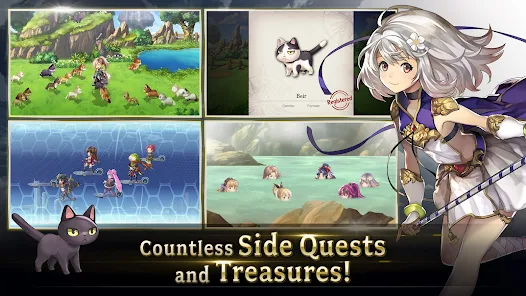
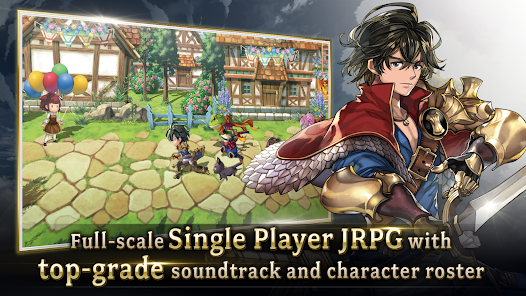
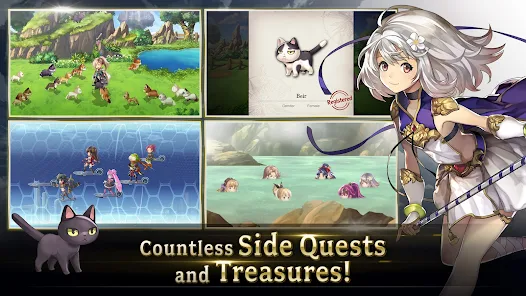
ANOTHER EDEN Global is a fully single-player JRPG featuring time-travel storytelling from Chrono Trigger writer Masato Kato with orchestral compositions by Yasunori Mitsuda. The game targets classic JRPG fans seeking console-quality RPG experiences without PvP competition, stamina systems, or time-limited FOMO content. New players face overwhelming amounts of side content accumulated over years, while updates require hours-long downloads that must remain in focus rather than running in background.
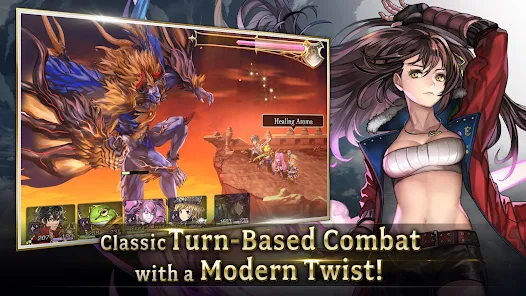
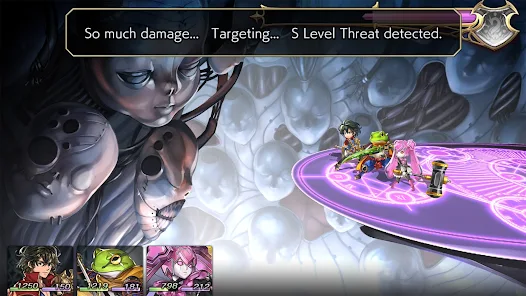
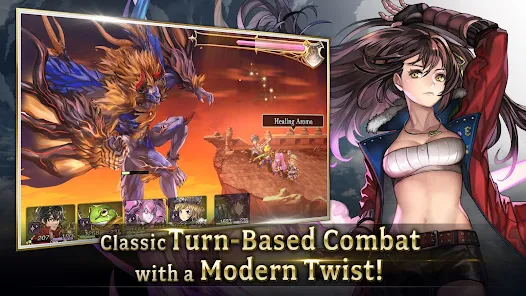
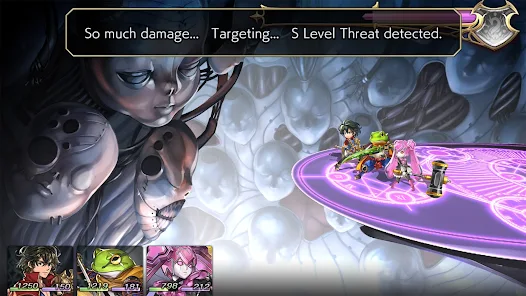
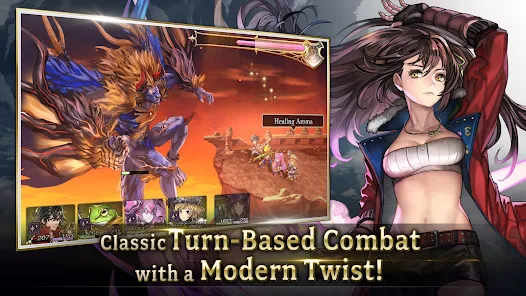
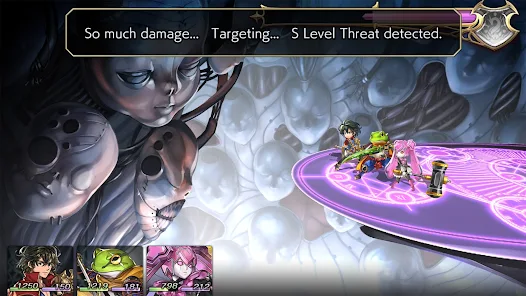
From hands-on exploration, the Another Force gauge builds during battle enabling devastating team-wide ultimate attacks when fully charged. The Valor Chant system triggers powerful support abilities when swapping characters between frontline and reserve positions mid-combat. However, users report clunky menu UI that makes equipping gear across large rosters extremely tedious, plus inconsistent translation quality with embarrassing errors still present years after release, and Chronos Stone pricing that charges full console game prices for single 10-pull gacha attempts.
Players exploring modified versions typically want to evaluate the extensive character roster and test 5-star units without grinding Light/Shadow points over months. The permanent collab content including Persona 5 Royal and Tales of crossovers appeals strongly, but slow progression pacing creates hesitation around long-term time investment. Consider using a secondary account when testing to protect your primary story progress and character collection from potential server-side detection.
Should You Use ANOTHER EDEN Global?
This Game is Ideal For:
- Chrono Trigger veterans seeking spiritual successor experiences with time-travel storytelling from original writer Masato Kato
- Offline-first players wanting JRPGs playable without internet after initial data download completes
- Anti-FOMO gamers preferring permanent content with no time-limited events or competitive PvP pressure
- Story completionists enjoying hundreds of hours across main quests, episodes, mythos, and character quests
Consider Alternatives If:
- Quick-session mobile gamers – updates require hours-long downloads that must remain focused without backgrounding
- UI-sensitive players frustrated by clunky menus – equipping gear across rosters is tediously slow and unintuitive
- Budget-conscious gacha pullers – Chronos Stone pricing charges full console game prices per single 10-pull attempt
- Players avoiding repetitive grinding – Light/Shadow farming and tome drops require months of repeated dungeon runs
Key Features of ANOTHER EDEN Global
ANOTHER EDEN Global combines classic JRPG storytelling with time-travel exploration across multiple eras. Here are the standout capabilities:
- No Time-Limited Content – Play all main stories, episodes, and crossover quests permanently available regardless of start date
- Another Force System – Build gauge through combat to unleash devastating team-wide ultimate attacks at full charge
- Valor Chant Abilities – Trigger powerful support effects by swapping characters between frontline and reserve positions
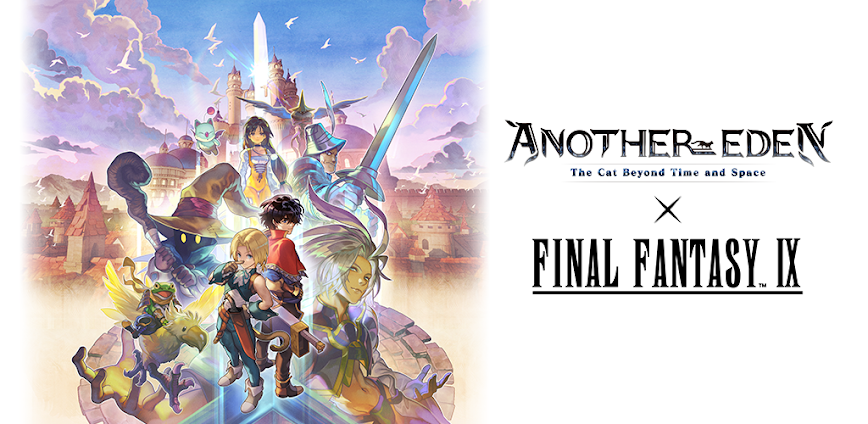
- Persona 5 Royal Crossover – Recruit Joker, Morgana, and Phantom Thieves through permanent collaboration quests
- Tales of Series Crossover – Play crossover stories featuring characters from the Tales franchise permanently added
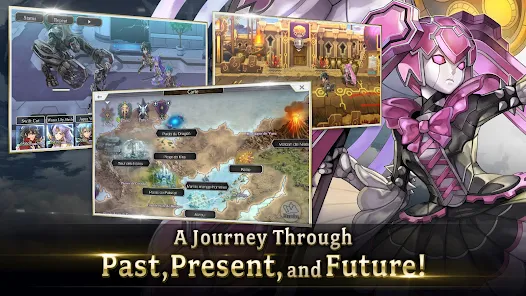
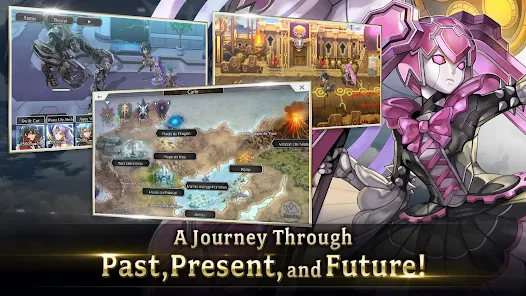
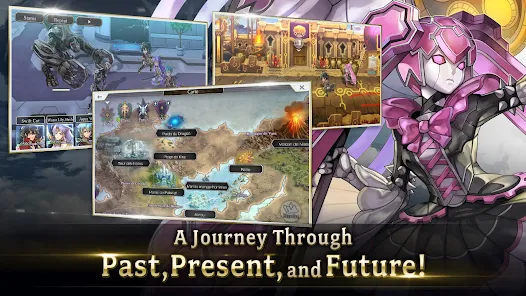
- Time-Travel Exploration – Journey across multiple time periods including past, present, future, and alternate dimensions
- Offline JRPG Play – Continue playing without internet connection after initial game data downloads complete
Download & Installation Guide
Important Security Notes:
- Modified APKs may conflict with official versions from Wright Flyer Studios
- Consider using a test device or secondary account for evaluation
- Online features including gacha, updates, and cloud saves may not function properly or risk account flagging
Installation Steps:
- Enable “Install from Unknown Sources” in Settings > Security
- Download the APK file to your device
- Locate the file in your Downloads folder and tap to install
- Grant storage permissions when prompted for downloading the substantial multi-gigabyte game asset package
- Launch and complete initial chapters to verify combat mechanics and Another Force functionality work correctly
App-Specific Considerations:
- Verify character equipment and Valor Chant swapping functionality in early dungeons before tackling difficult content
- Prepare for extended download times as updates require hours and must remain in focus without backgrounding
- Test gacha pulls and Chronos Stone rewards before investing significant story progression time

- Damage Multiplier
- God Mode
- Pick Item Multiplier (25 / 50 / 100)
- Max Level
- 65K Gold Per Battle
 Show/Hide Mod info: