Among Us 2026.2.24 MOD Menu APK | See Player Roles, Fake Role, ESP, Kill Players, Close All Doors, No Clip & More

- Updated
- Version 2026.2.24
- Size 915.48 MB
- Requirements Android 6.0
- Developer Innersloth LLC
- Genre Action
- Google Play




About Among Us
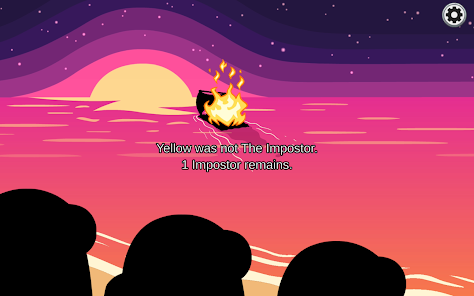
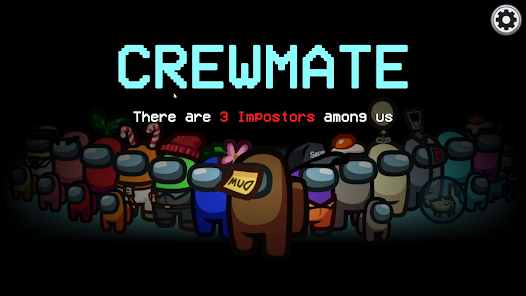
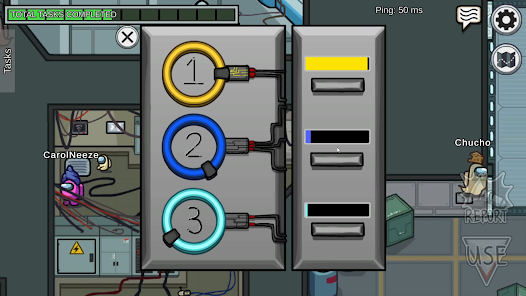
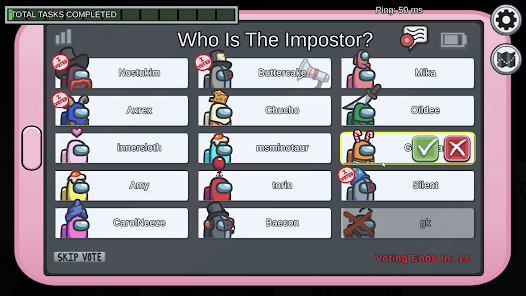
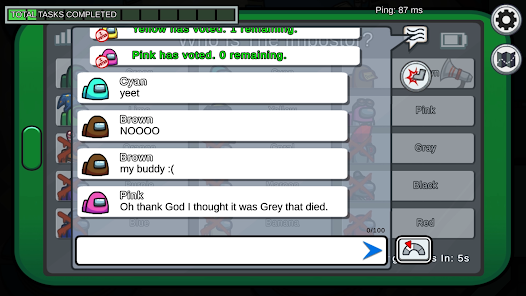
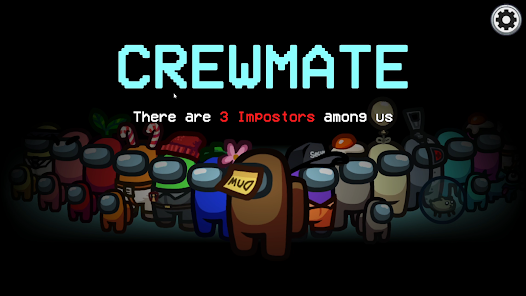
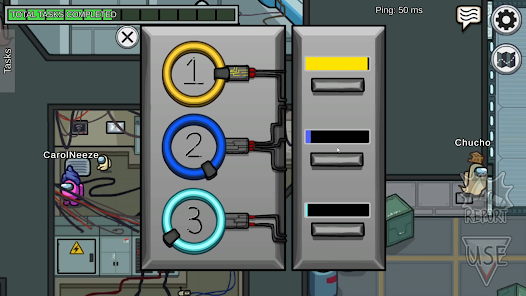
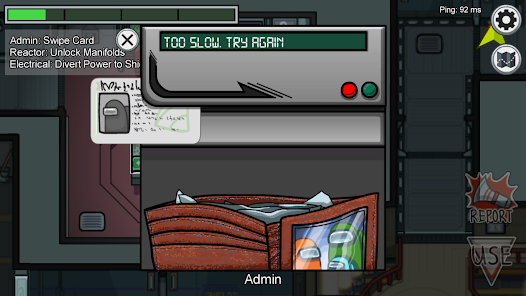
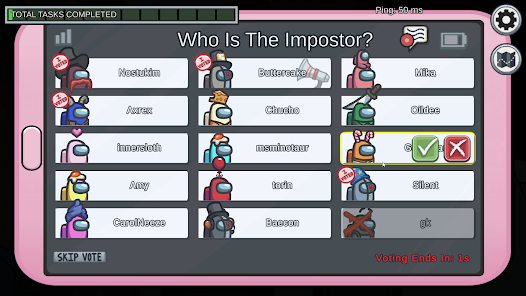
Among Us is a multiplayer social deduction game from InnerSloth where 4–15 players take on crewmate or impostor roles aboard a spaceship, space station, or base. It appeals to groups of friends and online communities who enjoy real-time deception, discussion, and voting mechanics. New players often struggle with understanding task sabotage timing, reading vent access patterns, and knowing which Special Roles like Engineer, Scientist, or Shapeshifter are active in a given lobby.
After testing the Special Roles system, the depth of each match changes dramatically depending on which roles the host enables — a Shapeshifter can frame crewmates using frame ability, while the Guardian Angel protects living players from beyond death. The Cosmicubes system rewards play-time with unlockable cosmetic paths using Beans and Pod Points, though premium collaboration skins from indie game bundles require Stars purchased with real currency. Players frequently report match quality degrading from early leavers when someone is eliminated before the game ends.
Players exploring modified versions typically want access to locked cosmetic bundles or expanded customization options before investing real currency into Star purchases. The split between free Bean-earnable cosmetics and paid-only Star bundles motivates users to evaluate whether premium content genuinely enhances their experience. Consider using a secondary account for testing to protect your primary progression, level, and any cosmetics already legitimately unlocked.
Should You Use Among Us?
This App is Ideal For:
- Friend groups of 6–10 people who play over local WiFi in the same room without relying on public lobbies
- Streamers and content creators who host private lobbies with audience participants to create deduction and reaction content
- Social deduction fans who enjoy analyzing player movement patterns and alibis across The Skeld, Polus, Airship, and The Fungle maps
- Younger players discovering the Hide and Seek mode as a lower-pressure alternative to the full social deduction Classic format
Consider Alternatives If:
- Cheating ruins sessions — public lobbies frequently encounter hackers who reveal impostor identities or auto-kill crewmates
- Match consistency matters — early leavers after elimination are a persistent issue that collapses games before a proper vote occurs
- Deep single-player content is needed — Town of Salem or Project Winter offer richer narrative deduction experiences with more structured rules
- Frequent new content is important — the 2025 roadmap shows slower update cadence compared to peak 2020–2021 content release frequency
Key Features of Among Us
Among Us combines real-time social deduction with role-based multiplayer and a cosmetic progression system spanning four unique maps. Here are the standout capabilities:
- Special Roles System — Play as Engineer, Scientist, Shapeshifter, Guardian Angel, Tracker, or Phantom, each changing how matches play out fundamentally
- Hide and Seek Mode — Play the alternate game format where one Seeker chases all Hiders across maps under a countdown timer
- Cosmicubes Progression — Unlock branching cosmetic trees using Beans earned through gameplay without mandatory spending on every item
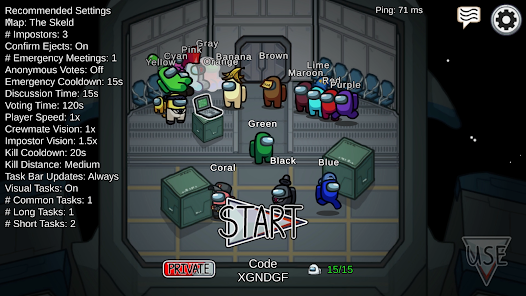
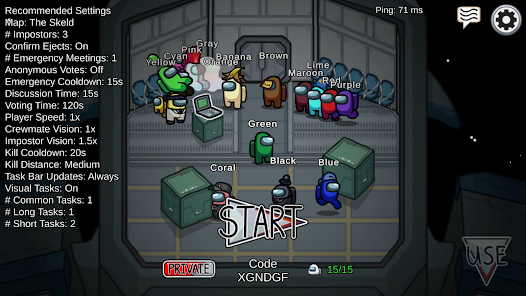
- Custom Lobby Settings — Hosts adjust vision range, task count, kill cooldown, and voting time to create completely different difficulty experiences
- Cross-Platform Play — Join the same lobby from Android, iOS, PC, or console without platform restrictions separating player bases
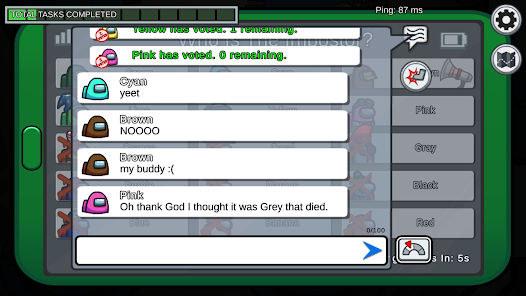
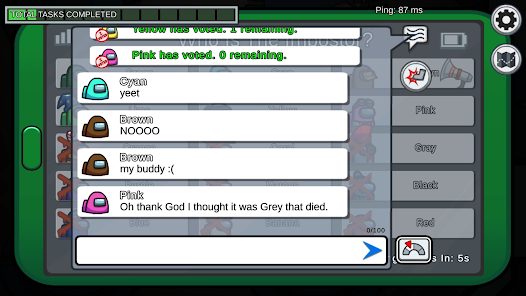
- Emergency Meeting Button — Call group discussions at any time to share evidence, accuse suspects, and vote players off collectively
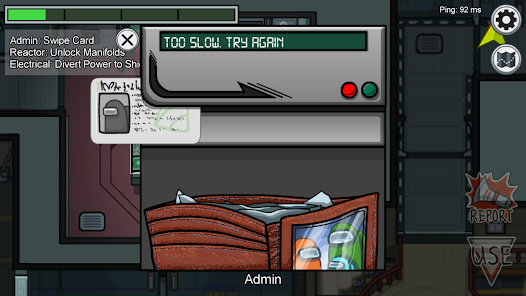
- Sabotage System — Impostors trigger critical ship failures like reactor meltdowns or oxygen depletion to split crewmates and create kill opportunities
Download & Installation Guide
Important Security Notes:
- Modified APKs may conflict with official versions
- Consider using a test device or secondary account
- Back up important data before installation
Installation Steps:
- Enable “Install from Unknown Sources” in Settings > Security
- Download the APK file to your device
- Locate the file in your Downloads folder and tap to install
- Grant network access permission when prompted — Among Us requires an active internet connection for all online public and private lobbies
- At first launch, create or skip a guest account before entering any lobby to avoid automatic sync with an existing linked profile
App-Specific Considerations:
- Modified versions may be detected by InnerSloth’s anti-cheat system and result in bans on your linked account — use a guest login only
- Online public matchmaking and cross-platform lobbies require server authentication, which modified APKs may fail, limiting play to local WiFi mode
- The game downloads additional map asset packs on first launch — reserve at least 400MB of storage before installing to avoid mid-download failures

- Show Player Info (Add Older Version)
- No Clip
- Move In Meeting
- Spam Report (Meeting Must Start)
- Unlimited Emergencies Meetings
- No Meeting Cooldown
- Close All Doors
- No Door Cooldown [Impostors]
- Can Move In Vent
- Sabotage Lights
- Repair Sabotage
- Teleport Outside
- Teleport Inside
- Spectate Player
- Shadows Through Walls
- Speed
- Torch Distance
- Pick Fake Role
- See Ghost + Chat
- Sabotage (Have Cooldowns)
- Crew-mate(s)
- Impostor(s)
- Scientist(s)
- Engineer(s)
- Guardian Angel(s)
- Shape-shifter(s)
- Ghost(s)
- Change Player Roles
- Kill Player
- End Game [ Impostors Win ]
- End Game [ Crew Wins ]
- Uno Reverse Vote [Everyone Votes Themselves]
- Anti Vote [You Cant Be Voted]
- Redirect Vote [Take everyone's vote and vote a selected colour]
- Complete My Tasks
- Complete All Tasks
- Enter Player Name
- Select Player
- Text Effect (RGB Animation , RGB Slider)
- RGB Slider (Red , Green , Blue)
- Change Name
- Enable Free Chat
- Chat Always Visible
- Unlocked Hats
- Unlocked Name Plates
- Unlocked Pets
- Unlocked Skins
- Unlocked Visors
- Every IAP Purchased (NEW)
 Show/Hide Mod info: